Free L-System Fractal Tree Generator & Wind Simulator— gemini-3.0-flash
gemini-3.0-flashGenerate intricate fractal trees using L-systems. Adjust branch angles, iteration depth, and simulate dynamic wind effects. A free browser-based math tool.
AI Generation Prompt
Technical Specification: Fractal Tree & Wind Simulator
Overview
A high-performance, browser-based tool to generate procedural fractal trees using L-System algorithms with real-time animation for wind effects.
Core Features
- Recursive L-System Engine: Adjustable depth, branch angle, and length reduction factors.
- Wind Animation Controller: Smooth trigonometric oscillation of branch rotation to simulate wind gusts.
- Real-time Canvas Rendering: High-performance drawing loop using RequestAnimationFrame.
- Export Capability: PNG download function converting the current canvas state.
- Responsive UI: Intuitive slider-based control panel paired with a full-screen canvas preview.
Technical Implementation Constraints
- Single File: All CSS (Tailwind via CDN), HTML, and Vanilla JS must reside in one file.
- No Persistence: Do not use localStorage or cookies. Use variable memory for state management.
- Sandboxed Compatibility: Ensure no popups or external navigation. All interactions (error alerts, etc.) must be custom UI modals.
- Mobile First: Responsive grid layout. Canvas takes full width on mobile, split-view on desktop (sidebar + main area).
UI/UX Design
- Palette: Clean white backgrounds (#ffffff), slate text (#1e293b), primary accents in vivid blue (#2563eb), and light borders (#e2e8f0).
- Layout:
- Sidebar (Desktop): Fixed-width controls section on the left containing sliders and presets.
- Viewport: Main area on the right/bottom utilizing 100% of the remaining screen for the canvas.
- Animations: Subtle transition effects on sliders (transform/scale) and gentle easing on UI interactions to maintain a premium feel.
Developer Directives
- Use
requestAnimationFramefor the wind simulation loop. Do not usesetIntervalfor rendering. - Ensure the L-System recursion limit is capped to prevent browser hanging (e.g., max depth of 10-12).
- Keep the styling clean and minimalist. Avoid drop shadows on large elements; use crisp 1px borders for structure.
- Ensure all external links (if any) are
rel="noopener noreferrer". - Use a standard Canvas API
context.stroke()method for the drawing.
Spread the word
gemini-3.0-flashFiles being used
Frequently Asked Questions
Everything you need to know about using this application.
What is an L-System and how does it create fractal trees?
An L-system, or Lindenmayer system, is a formal grammar used to model the growth processes of plant development. By defining a set of rules (axioms) for how symbols translate into branches or leaves, we can create complex, self-similar structures that mimic nature's geometry. In this simulator, we process these strings recursively to render branches at specific angles. As the iteration depth increases, the L-system creates a tree structure with finer detail, perfectly demonstrating the concept of fractals in a mathematical context.
What parameters can I control in this tree simulator?
This application allows users to manipulate core L-system variables including the initial branch angle, the shrinking factor of branches, and the recursion depth. These inputs directly impact the visual complexity and physical form of the rendered tree, allowing for the creation of everything from simple geometric structures to organic-looking oak-like trees. Additionally, the simulator includes a unique wind simulation feature. This uses a time-based trigonometric function to oscillate the branch angles dynamically, creating a realistic swaying motion that provides a dynamic visual experience without requiring external data.
Is this tool suitable for educational or artistic projects?
Yes, this tool is designed for both educators and digital artists. For educators, it serves as an interactive whiteboard companion for teaching recursive functions, geometry, and procedural modeling. It visualizes abstract code into tangible, organic shapes, making it easier for students to grasp complex algorithmic concepts. For artists, it functions as a procedural asset generator. Users can experiment with different branch ratios and wind intensity to find unique aesthetic configurations, which can then be exported as high-resolution images for use in larger graphic design or digital art projects.
How do I save the fractal trees I create?
To save your creation, we have implemented a high-resolution export button. Because this app runs entirely in your browser without backend storage, we use the HTML5 Canvas 'toDataURL' method to convert your current frame into a standard image file format directly on your device. Simply click the 'Export as PNG' button after adjusting your tree settings. The browser will handle the conversion locally, ensuring your privacy and enabling you to download the image immediately to your local system for further editing or sharing.
Related Applications

Free Jump Rope Mat Impact Attenuation & Density Calculator
Use this free online calculator to determine jump rope mat impact attenuation and material density. Safely assess if your workout flooring protects your joints.

Free Base64 Image Data URI to File Size Calculator
Accurately calculate the file size of Base64 encoded image data strings. This free, web-based tool helps developers estimate binary file sizes for web apps.

Free Online Color Blindness Simulator & Image Filter Tool
Easily simulate color vision deficiencies like protanopia, deuteranopia, and tritanopia. Upload images to test design accessibility for color blindness.
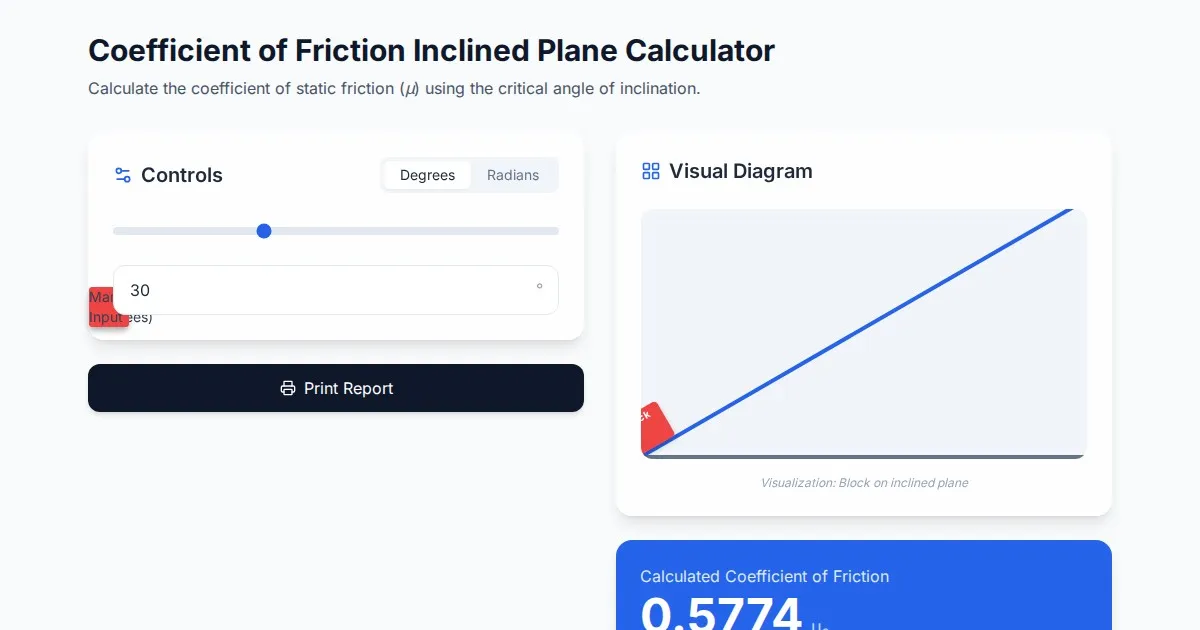
Free Coefficient of Friction Inclined Plane Calculator
Calculate the coefficient of friction using the angle of inclination. An essential physics tool for students and engineers. No installation, instant results.
Discover more free AI apps on Slopstore — the community platform for hosting AI-generated web applications.