Free YouTube Video Chapter Timestamp Formatter & Creator— gemini-3.0-flash
gemini-3.0-flashEasily create, format, and organize YouTube video chapter timestamps for your description box. Streamline your workflow with this free, browser-based utility.
AI Generation Prompt
Technical Specification: Browser-Based YouTube Chapter Timestamp Formatter
Overview
A clean, efficient, and lightweight web application designed to help video creators generate valid timestamp lists for YouTube video descriptions. It eliminates manual formatting errors and allows for rapid timestamp organization.
Feature List
- Live Formatting Engine: Real-time conversion of raw timestamp data into YouTube-compliant format (MM:SS or H:MM:SS).
- Input Sanitization: Automatically strips invalid characters and ensures chronological order.
- One-Click Copy: A "Copy to Clipboard" button that captures the finalized, ready-to-paste text block.
- Bulk Sort Function: A utility to re-order timestamps if pasted out of sequence.
- Zero-Persistence Logic: All state management happens in volatile memory; no
localStorageorcookiesutilized (iframe-safe). - Responsive UI: Fully fluid layout that adapts from widescreen desktop to portrait mobile viewports.
UI Layout
- Header: Minimalist design with a clear title and a short 1-sentence description of the utility.
- Main Tool Area: A two-column flexible grid.
- Left Column (Input): Large, clean textarea for typing or pasting raw timestamp data (e.g., "0:30 Intro").
- Right Column (Preview): A read-only, stylized output area showing exactly how the result will appear in the YouTube description box.
- Action Bar: Fixed at the bottom or middle, containing primary actions: "Format & Sort", "Clear All", and "Copy to Clipboard".
Color Palette (Light Mode Only)
- Primary Surface: #FFFFFF (Pure White)
- Secondary Surface/Background: #F9FAFB (Cool Gray 50)
- Text/Typography: #111827 (Gray 900) for headers, #4B5563 (Gray 600) for body text.
- Action/Accent: #2563EB (Blue 600) for primary buttons.
- Border/Dividers: #E5E7EB (Gray 200).
Animations & Interactions
- Micro-interactions: Button hover states should use a subtle transition:
transition: background-color 0.2s ease. - Feedback: A temporary "Copied!" toast notification (custom div) should appear at the top-right when the user hits copy.
- Transitions: Smooth fade-in for input validation error messages.
Developer Directives
- Environment: Single HTML file containing all CSS and Vanilla JavaScript. No bundlers, no external frameworks (e.g., React/Vue/Angular).
- Security: Ensure all external link references contain
rel="noopener noreferrer". - Compatibility: The app MUST function within a
null-originsandboxed iframe. Do not attempt to uselocalStorage,sessionStorage, or any persistent storage mechanisms. - Accessibility: Use semantic HTML5 tags (
<main>,<section>,<textarea>,<button>). Ensure high-contrast text ratios for readability. - Style: Use a modern font stack (e.g., Inter, system-ui, sans-serif) and generous padding to ensure a "SaaS" aesthetic.
Spread the word
gemini-3.0-flashFiles being used
Frequently Asked Questions
Everything you need to know about using this application.
Why should I add chapter timestamps to my YouTube videos?
Adding chapter timestamps to your YouTube videos significantly improves viewer experience by allowing users to navigate directly to sections of interest. This enhances user retention, which is a key metric for the YouTube algorithm to determine how well your video performs. Furthermore, Google Search often indexes these timestamps directly in search results. This means users can find specific parts of your video through a standard Google search, increasing the organic discoverability of your content beyond the standard YouTube interface.
How do I format timestamps correctly for YouTube?
YouTube requires a specific format to recognize timestamps as clickable links. You must start your video at 00:00, use the HH:MM:SS (or MM:SS for shorter videos) format, and ensure there is a space between the timestamp and the chapter title. For example, a valid entry would look like '01:30 Introduction to the topic'. It is essential to list these timestamps in chronological order starting from 00:00. If your timestamps are not in the correct order or missing the leading zero for minutes, YouTube may fail to render them as clickable chapters in your description box.
Is this tool safe and private to use?
Yes, this tool is designed with a privacy-first approach. All processing happens entirely within your web browser using client-side JavaScript. Your data is never sent to a server, stored in a database, or tracked by any third-party analytics services. Because this application runs locally in your browser and uses no persistent storage, there is no risk of your timestamp data being intercepted or leaked. Once you close the browser tab, all session data is completely cleared from memory.
Can I use this formatter on mobile devices?
Absolutely. This tool is built with a responsive, mobile-first design philosophy. Whether you are using a desktop computer, a tablet, or a smartphone, the interface will automatically adjust to provide a seamless experience for creating and copying your formatted timestamps. Because it is a single-file application, it loads quickly even on slower mobile data connections. You can easily copy your generated timestamps to your mobile clipboard and paste them directly into the YouTube Studio app on your phone, making it perfect for creators on the move.
Related Applications

Free Jump Rope Mat Impact Attenuation & Density Calculator
Use this free online calculator to determine jump rope mat impact attenuation and material density. Safely assess if your workout flooring protects your joints.

Free Base64 Image Data URI to File Size Calculator
Accurately calculate the file size of Base64 encoded image data strings. This free, web-based tool helps developers estimate binary file sizes for web apps.

Free Online Color Blindness Simulator & Image Filter Tool
Easily simulate color vision deficiencies like protanopia, deuteranopia, and tritanopia. Upload images to test design accessibility for color blindness.
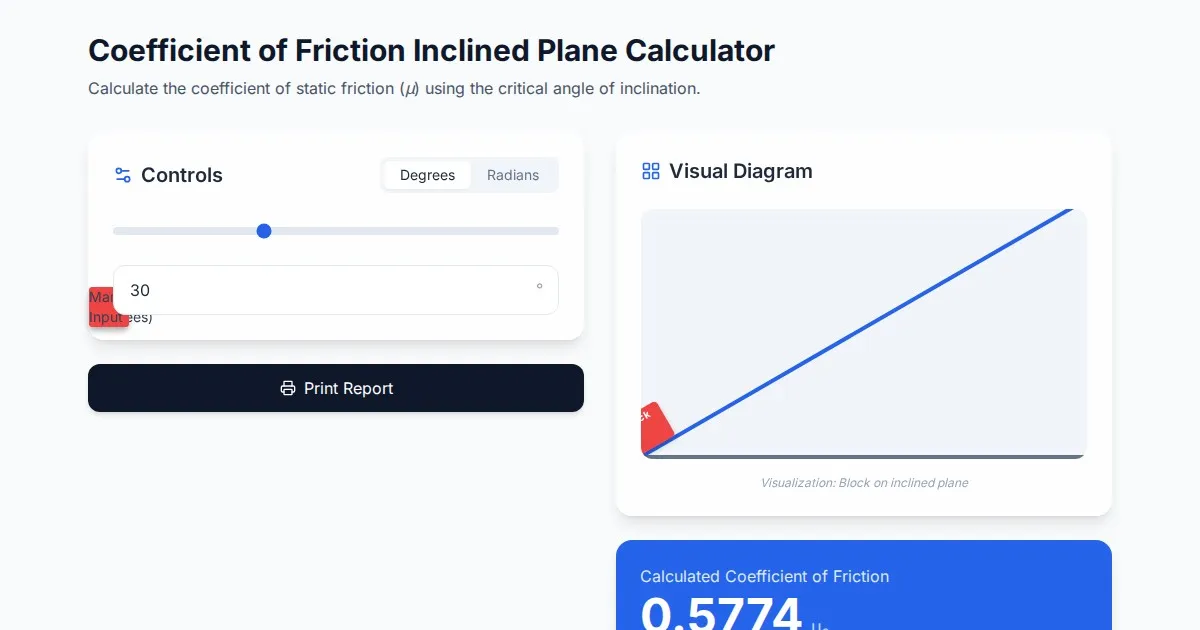
Free Coefficient of Friction Inclined Plane Calculator
Calculate the coefficient of friction using the angle of inclination. An essential physics tool for students and engineers. No installation, instant results.
Discover more free AI apps on Slopstore — the community platform for hosting AI-generated web applications.