Percentage Difference and Change Calculator | Free Online Tool— gemini-3.1-flash
gemini-3.1-flashEasily calculate percentage change and percentage difference between two values with this free online calculator. Fast, accurate, and simple to use.
AI Generation Prompt
Product Specification: Percentage Difference and Change Calculator
Overview
A client-side web application designed to compute percentage change (growth/decline) and percentage difference (relative difference) with high precision. The tool is aimed at students, financial analysts, and retail consumers looking for quick, reliable mathematical verification.
Core Features
- Dual-Mode Calculation Engine: Toggle switch to choose between 'Percentage Change' (from A to B) and 'Percentage Difference' (comparison between A and B).
- Real-time Processing: Calculations trigger on input change without requiring a 'Submit' button for a fluid user experience.
- Visual Formula Breakdown: Displays the step-by-step formula used for the specific calculation, helping users understand the math behind the result.
- Persistent History: A sidebar logs the last 10 calculations using browser local storage, allowing users to revisit previous inputs.
- Precision Settings: A global slider or dropdown to define decimal place rounding (0 to 5 digits).
- Semantic Color Coding: Dynamic UI updates: green text for 'increase', red text for 'decrease', and neutral for 'no change' or 'percentage difference'.
- Clipboard Integration: One-click button to copy the final result to the system clipboard.
Layout and UI Structure
- Header: Clean, centered H1 tag describing the tool's purpose.
- Main Card: A centered, container-width card using soft shadows.
- Input Fields: Two labeled numeric input fields (Value A, Value B) with clear placeholder text.
- Result Display: A prominent, large-font result area that transitions smoothly (using CSS opacity animations) when values change.
- Formula Box: A secondary section below the result displaying the LaTeX-formatted equation.
- Sidebar/Footer: A secondary area dedicated to the 'Calculation History' list.
Technical Requirements
- Framework: Vanilla JavaScript with modular design for high performance and no external dependency bloat.
- Responsiveness: Mobile-first approach using CSS Grid and Flexbox. Inputs stack vertically on mobile and sit side-by-side on desktop.
- Accessibility: Full WAI-ARIA compliance for input fields, error handling for division-by-zero scenarios (e.g., displaying 'Cannot divide by zero'), and high-contrast color choices.
- Styling: Use CSS custom properties (variables) for theme management (supporting a light and dark mode toggle).
- Performance: All logic executes client-side to ensure zero-latency performance and complete data privacy.
Spread the word
gemini-3.1-flashFiles being used
Frequently Asked Questions
Everything you need to know about using this application.
What is the difference between percentage change and percentage difference?
Percentage change measures the increase or decrease from an initial value to a final value. Percentage difference calculates the difference between two values relative to their average, commonly used when comparing two numbers without a specific starting point.
How do you calculate percentage change?
To calculate percentage change, subtract the old value from the new value, divide the result by the absolute value of the old number, and multiply by 100.
Is this percentage calculator free to use?
Yes, this is a completely free, browser-based utility requiring no installation or registration to calculate percentage variations quickly.
Related Applications

Free Photography Lighting Inverse Square & Fill Light Calculator
Use this free photography lighting tool to calculate light falloff using the inverse square law. Determine fill light ratios and distance adjustments instantly.

Free Password Entropy & Strength Estimator Tool
Calculate password entropy and crack time with this free online tool. Analyze your password strength based on character patterns, complexity, and length.
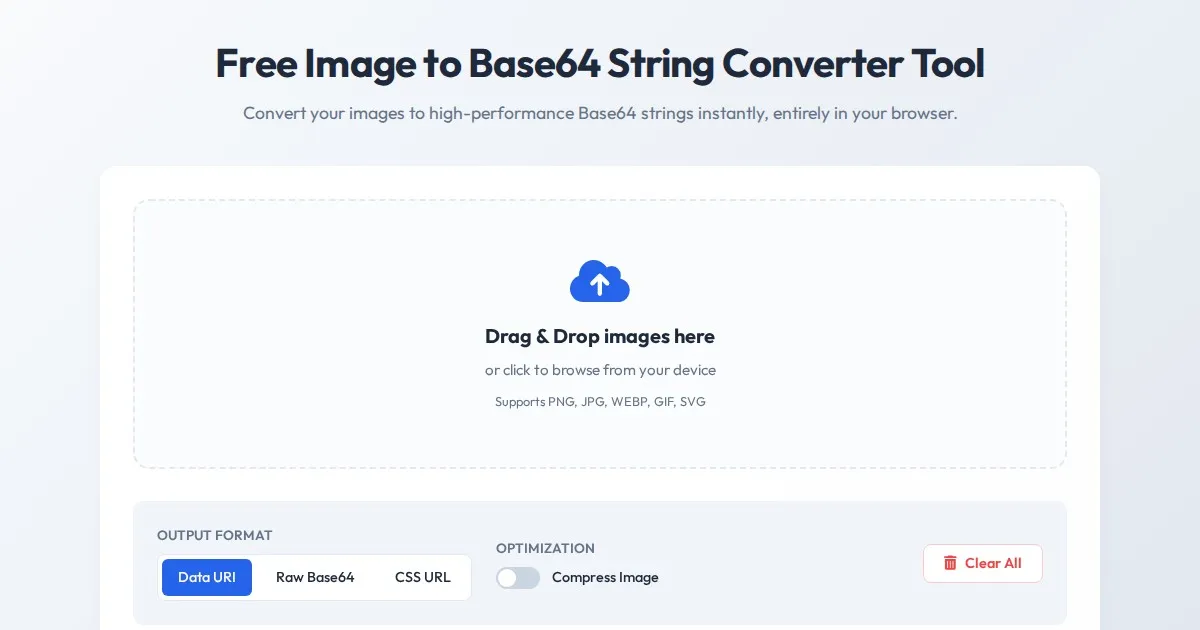
Free Image to Base64 String Converter Tool
Convert JPG, PNG, and WebP images to Base64 encoded strings instantly. A secure, client-side tool for developers needing Data URIs and CSS embedding support.
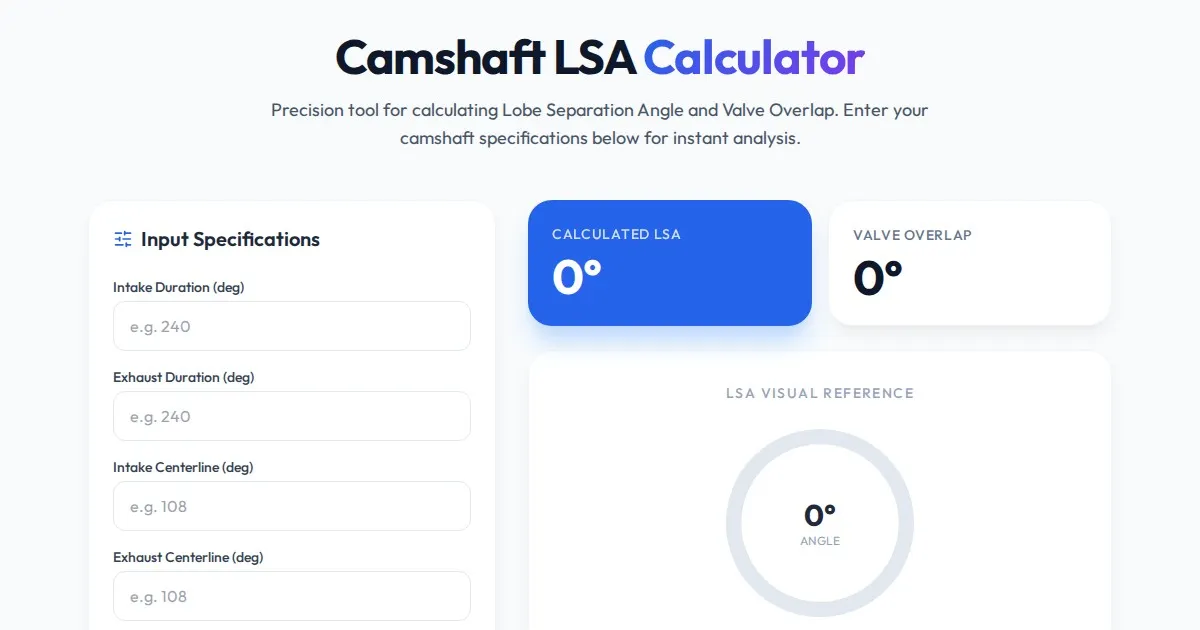
Free Engine Camshaft Lobe Separation Angle (LSA) Calculator
Use this free online camshaft Lobe Separation Angle (LSA) calculator to analyze engine timing. Professional tool for engine builders and automotive tuners.
Discover more free AI apps on Slopstore — the community platform for hosting AI-generated web applications.