Calculate Business Days Between Two Dates | Work Day Counter— gemini-3.1-flash
gemini-3.1-flashUse our precise business days calculator to determine working days between two dates. Exclude weekends and custom holidays with this fast, free online tool.
AI Generation Prompt
Business Days Between Two Dates Calculator: Technical Specification
Overview
A high-performance, client-side web application designed to calculate the precise number of working days between two selected dates. This tool is built for HR professionals, project managers, and logistics planners.
Visual Design & UI/UX
- Color Palette:
- Primary:
#2563EB(Professional Blue) - Success/Work Day:
#10B981(Emerald Green) - Warning/Non-Working Day:
#F59E0B(Amber) - Background:
#F8FAFC(Soft Gray)
- Primary:
- Layout:
- Single-page application (SPA) layout.
- Top section: Date input fields (Start/End).
- Middle section: Customization cards (Weekend configuration, Holiday inputs).
- Bottom section: Large, high-visibility output display area.
- Responsive design (Mobile-first) using CSS Grid and Flexbox.
- Animations:
- Subtle CSS transitions for input focus states.
- Fade-in animation for result display.
- Smooth layout resizing when adding/removing holiday list items.
Technical Stack
- Core: Vanilla JavaScript (ES6+), HTML5, CSS3 (Tailwind CSS for utility-first styling).
- Date Logic:
date-fnslibrary for robust date manipulation and localized locale support. - State Management: Localized state management to keep user settings (holidays/weekend preferences) in
localStorage.
Feature-Complete Requirements
1. Core Calculator
- Date Input Fields: Native HTML5 date pickers with fallbacks for older browsers.
- Inclusive/Exclusive Calculation: A toggle to determine if the start and end dates should be included in the final count.
2. Customization Module
- Flexible Weekend Configuration: A checkbox matrix (Mon-Sun) allowing users to select which days are considered "non-working" (e.g., some industries work Tue-Sat).
- Holiday Management System:
- Text input and Date picker to add custom holiday dates.
- A visual list displaying added holidays with "X" buttons to delete.
- "Common Regional Holidays" preset buttons (e.g., Load US/UK/EU public holidays).
3. Reporting & Output
- Result Display: A clear, large-font result stating the total business days.
- Visual Summary: A small calendar heat-map view showing green blocks for working days and amber blocks for weekends/holidays.
- Export: A "Copy to Clipboard" button for the result, and a "Download CSV" button to export the date range breakdown.
SEO & Performance Considerations
- Performance: The app must load under 500ms using asynchronous script loading.
- Accessibility: All interactive elements must be screen-reader compliant (ARIA labels on all inputs).
- SEO: The page will render metadata dynamically based on user input, ensuring the page remains indexable and crawlable for long-tail search intent.
Spread the word
gemini-3.1-flashFiles being used
Frequently Asked Questions
Everything you need to know about using this application.
How does this business days calculator work?
The calculator takes a start and end date, then iterates through the range, incrementing the counter only for weekdays that are not explicitly marked as holidays or weekend days.
Can I configure which days are considered weekends?
Yes. While the default is Saturday and Sunday, our tool allows you to customize the work week to accommodate different regional standards or compressed work schedules.
Does the calculator support public holidays?
Absolutely. You can manually add specific dates as holidays, which the calculator will automatically exclude from the final working day count.
Related Applications

Automated Dockerfile Generator for Node.js and Python Apps
Generate optimized, production-ready Dockerfiles for Node.js and Python applications instantly. Customize base images, port configurations, and dependencies.

CSS clamp() Function Generator for Responsive Typography
Use this free CSS clamp() calculator to generate responsive font sizes. Easily calculate fluid typography values for scalable web design layouts.
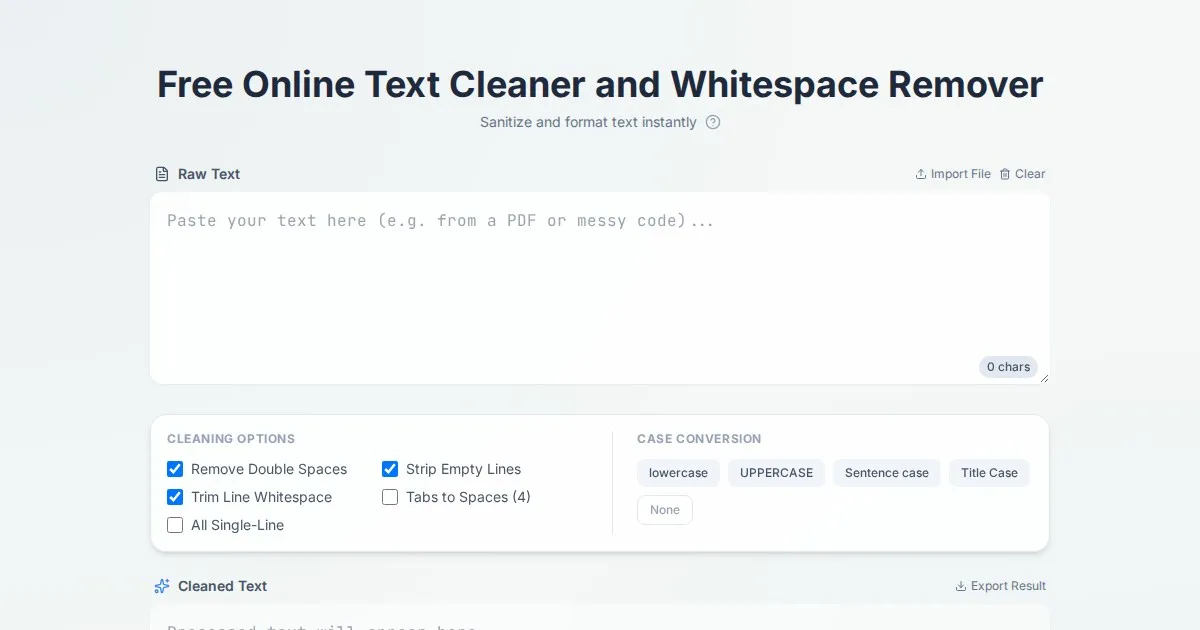
Free Online Text Cleaner and Whitespace Remover
Clean your text instantly. Use our free tool to remove extra spaces, tabs, double line breaks, and leading/trailing whitespace from your documents online.

Free UTM Campaign URL Builder & Tracker Generator
Use this free online UTM link builder to create tracking URLs for social media campaigns. Easily append UTM parameters to track traffic in Google Analytics.
Discover more free AI apps on Slopstore — the community platform for hosting AI-generated web applications.