Free Interactive Ukulele Fretboard & Chord Stretch Visualizer— gemini-3.0-flash
gemini-3.0-flashInstantly visualize finger placement and fret stretches across Soprano, Concert, Tenor, and Baritone ukulele sizes with this free, browser-based music tool.
AI Generation Prompt
Ukulele Fret Stretch Visualizer Specification
Overview
A high-fidelity, interactive web application that allows users to select a ukulele type (Soprano, Concert, Tenor, Baritone) and visualize specific chord shapes, finger placement, and the physical fret-span requirements. The tool is designed to help musicians understand the ergonomics of their instrument.
Feature List
- Instrument Selector: Dropdown to switch between Soprano (approx. 13" scale), Concert (15"), Tenor (17"), and Baritone (19").
- Interactive Fretboard: A dynamic SVG or CSS-grid generated fretboard that highlights selected frets.
- Chord Input: A simplified input section where users can select chords (e.g., C, F, G7, Bb) to see standard fingering overlays.
- Stretch Measurement: A calculation engine that calculates the distance between assigned fingers in inches and centimeters, helping users identify "high-difficulty" stretches.
- Tone/Style Settings: Options to toggle between GCEA (standard) and DGBE (baritone) tunings.
- In-Memory History: A session-based list of the last 5 chords tested for quick comparison.
UI Layout
- Header: Clean, minimalist title with a breadcrumb-style settings bar for instrument selection.
- Main Content:
- Left/Center: Large, rendered fretboard visual. The strings/frets should be interactable; users can click a string at a specific fret to place a virtual "finger dot."
- Right/Bottom: Sidebar panel showing the physical distance (stretch) calculation based on the placed fingers.
- Results Section: Real-time feedback panel displaying "Comfort Score" based on standard anatomical hand-span averages.
Design & Aesthetic
- Color Palette:
- Primary: Soft Wood Tan (#EAD7BB) for the fretboard.
- Strings: Clean White (#FFFFFF) for brightness, with #333333 for string lines.
- Background: Off-white/Cool gray (#F4F7F6) for a professional look.
- Accents: Muted Blue (#4A90E2) for the active finger dots.
- Transitions: Micro-interactions for hovering over the fretboard (subtle darkening) and smooth fade-ins when switching instrument sizes.
Technical Directives
- No Persistence: Strictly no
localStorageorsessionStorage. All state must be managed in a standard JavaScript object/class. - Single File: All logic, styling, and markup within one HTML file. Use CDN links for fonts (e.g., Google Fonts 'Inter').
- No Frameworks: Vanilla JavaScript ES6+ only. Use DOM manipulation methods (
document.createElement,appendChild) to render the fretboard dynamically. - Sandboxed Compatibility: No
window.open,alert, orprompt. All user interaction (like clearing the board or selecting errors) must be handled via UI-contained buttons or modals. - Accessibility: Ensure all fretboard interactions are keyboard-navigable and that the visual feedback is clear and high-contrast.
Spread the word
gemini-3.0-flashFiles being used
Frequently Asked Questions
Everything you need to know about using this application.
How does scale length affect my ability to play chords?
The scale length of your ukulele determines the physical distance between frets. A Soprano ukulele has a shorter scale length, making the frets closer together, which is often easier for beginners with smaller hands or those performing complex, wide-reaching chords. Conversely, a Tenor or Baritone ukulele has a longer scale length, increasing the distance between frets. This provides more room for fingers in the upper registers but requires a larger physical stretch. This tool helps you visualize these distance differences, allowing you to choose the ukulele size that best fits your hand anatomy.
Can I use this tool for different ukulele tunings?
Yes, this tool is designed to support the standard tunings for all four major ukulele types. You can toggle between standard GCEA tuning for Soprano, Concert, and Tenor, and the DGBE tuning typically used for Baritone instruments. Because the tool is purely visual and calculated in-memory, you can experiment with different chord shapes across these tunings to see how they affect your finger placement. It is a perfect reference for players transitioning between different ukulele sizes.
Does this tool save my custom chord shapes?
This application operates entirely in-memory for security and performance reasons. It does not use cookies, local storage, or server-side databases to save your configuration. Once you refresh the browser page, your current session data will be cleared. This architecture is chosen to ensure compatibility with modern sandboxed environments, making the tool lightweight, fast, and completely private for all users. You can easily share your specific settings by taking a screenshot or simply bookmarking the page if parameters are included in the URL hash.
Is this tool compatible with mobile devices?
Yes, the interface is fully responsive and optimized for mobile, tablet, and desktop screens. The fretboard visualization uses scalable vector graphics (SVG) or flexible CSS positioning to ensure that the layout remains legible and interactable regardless of your screen size. Whether you are practicing on a laptop or a mobile device, the fretboard rendering adapts to your viewport. This ensures that you can take the tool with you to practice sessions without needing to adjust the zoom or layout manually.
Related Applications

Free Base64 Image Data URI to File Size Calculator
Accurately calculate the file size of Base64 encoded image data strings. This free, web-based tool helps developers estimate binary file sizes for web apps.

Free Online Color Blindness Simulator & Image Filter Tool
Easily simulate color vision deficiencies like protanopia, deuteranopia, and tritanopia. Upload images to test design accessibility for color blindness.

Free Online Histogram Maker & Data Frequency Plotter
Easily create professional histograms from your numeric data. Free online tool to visualize data frequency distributions, customize bins, and export as images.
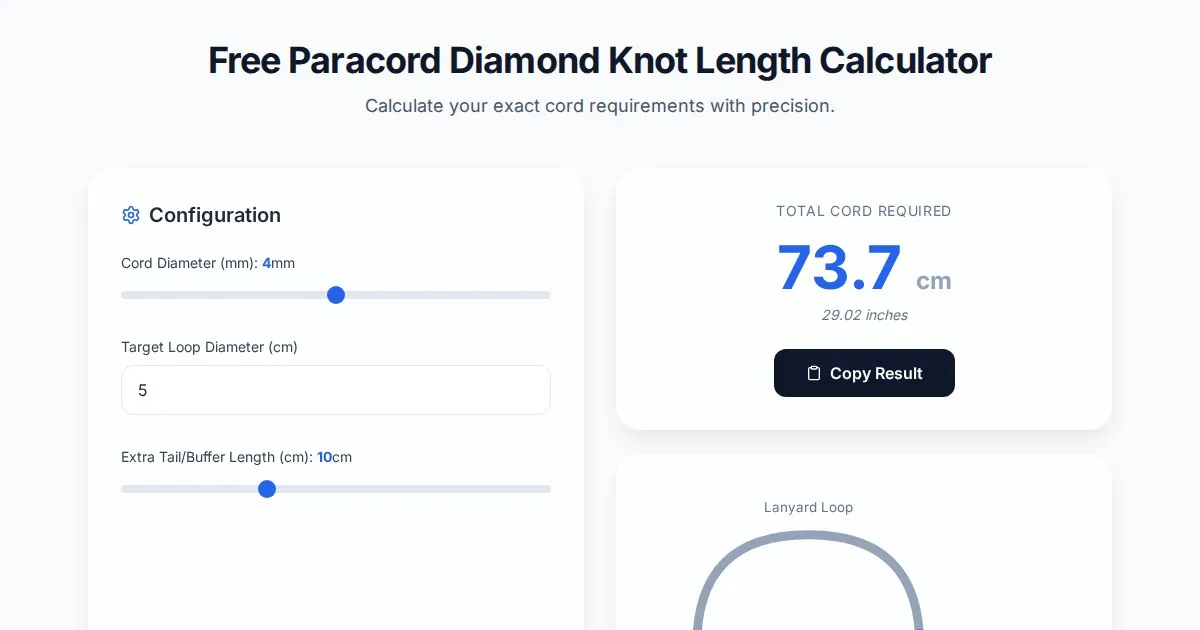
Free Paracord Diamond Knot Length Calculator & Estimator
Accurately estimate paracord length needed for diamond knots, lanyards, and custom rope projects with this free, browser-based cord usage calculator tool.
Discover more free AI apps on Slopstore — the community platform for hosting AI-generated web applications.