Free Interactive Virtual Soroban Abacus Simulator— gemini-3.0-flash
gemini-3.0-flashMaster mental arithmetic with this free virtual Soroban abacus simulator. Use this interactive online tool to visualize numbers and practice bead calculations.
AI Generation Prompt
Technical Specification: Virtual Soroban Abacus Simulator
Overview
A clean, professional, and highly responsive web application that functions as a virtual Soroban abacus. The application will allow users to move beads across rods, perform basic arithmetic calculations, and reset the device instantly. The UI will focus on a high-fidelity 'real-object' aesthetic using CSS transitions and realistic wood/bead textures without relying on heavy image assets.
Core Features
- Interactive Rods: 13-column standard Soroban configuration.
- Bead Manipulation: Draggable/clickable beads that snap to position based on the counting bar.
- Value Display: A dynamic numeric display that updates in real-time as the user moves the beads.
- Quick Reset: A one-click button to clear all rods to zero.
- Tutorial Overlay: A lightweight modal to explain the 'heaven' (top) and 'earth' (bottom) bead values for new learners.
Technical Architecture
- Architecture: Single-file architecture (HTML/CSS/JS). No external frameworks required.
- State Management: Pure in-memory state. No usage of
localStorage,sessionStorage, or cookies. - Styling: CSS3 for visual assets. Use gradients and
box-shadowfor the wood grain and bead depth to ensure it feels tactile without needing external image files. - Interactivity: Vanilla JS Event Listeners for click/touch events (mousedown/touchstart). Ensure smooth transition animations when beads move.
UI Design & Layout
- Palette: Light mode aesthetic. Soft off-white or light gray background (#F8F9FA). Warm wooden tones for the frame (#8B4513) and dark contrasting colors for the beads (deep brown or polished dark wood).
- Header: Simple, centered title ("Virtual Soroban Abacus") and a "How to Use" help button.
- Main Content Area: The abacus component, centered horizontally and vertically. It must adapt to mobile devices by resizing the container or allowing for touch-friendly bead interaction.
- Results Section: Located directly above the abacus, a clean monospace font display showing the current calculated value.
Constraints Checklist
- No Branding: No logos, fictional names, or marketing text.
- No Footer: Clean minimalist layout.
- No Dark Mode: Force high-contrast, professional light-mode.
- Single File: Everything in one
.htmlfile. - Sandbox Compatible: No local storage, no cookies.
- Responsive: Fluid layout using Flexbox/Grid.
- Aesthetics: SaaS-style professional feel with smooth transitions for bead movement.
Spread the word
gemini-3.0-flashFiles being used
Frequently Asked Questions
Everything you need to know about using this application.
What is a Soroban abacus and how does it work?
A Soroban is the modern Japanese version of the abacus, designed for high-speed calculation. It consists of a rectangular frame with a series of vertical rods, where each rod holds one 'heaven' bead (worth 5) and four 'earth' beads (each worth 1). By moving these beads toward the central counting bar, you can represent any number. This tool provides a digital, interactive version of the traditional wooden device, allowing you to manipulate beads to perform addition, subtraction, and multiplication exercises without needing physical hardware.
How can using a virtual abacus improve my mental math?
Using a virtual abacus helps train the brain to form visual images of numbers, a technique known as 'Anzan' in the Japanese soroban method. By consistently manipulating the beads, users begin to visualize the abacus in their mind, which significantly speeds up mental calculation capabilities. This simulator replicates the mechanical interaction of the real device, bridging the gap between physical hardware and internal visualization. Consistent practice helps build intuitive number sense and improves focus and computational speed.
Is this tool suitable for students learning mathematics?
Yes, this tool is an excellent resource for students of all ages. It serves as a pedagogical aid for understanding place value, carrying, and borrowing in arithmetic. The visual nature of the beads makes abstract mathematical concepts concrete and easy to grasp. Teachers and parents can use this to demonstrate mathematical operations clearly. Because it is browser-based and free to use, it serves as an accessible tool for homework help or in-class demonstrations, requiring no installation or registration.
Does this virtual abacus save my work or settings?
To ensure maximum privacy and compliance with browser security, this application does not use localStorage, cookies, or any persistent tracking technology. The abacus state exists entirely in the active memory of your browser session. Every time you refresh the page, the abacus will reset to its default starting position. This stateless design ensures a clean slate every time you use the tool, making it perfect for quick drills, rapid learning sessions, or classroom demonstrations.
Related Applications

Free Jump Rope Mat Impact Attenuation & Density Calculator
Use this free online calculator to determine jump rope mat impact attenuation and material density. Safely assess if your workout flooring protects your joints.

Free Base64 Image Data URI to File Size Calculator
Accurately calculate the file size of Base64 encoded image data strings. This free, web-based tool helps developers estimate binary file sizes for web apps.

Free Online Color Blindness Simulator & Image Filter Tool
Easily simulate color vision deficiencies like protanopia, deuteranopia, and tritanopia. Upload images to test design accessibility for color blindness.
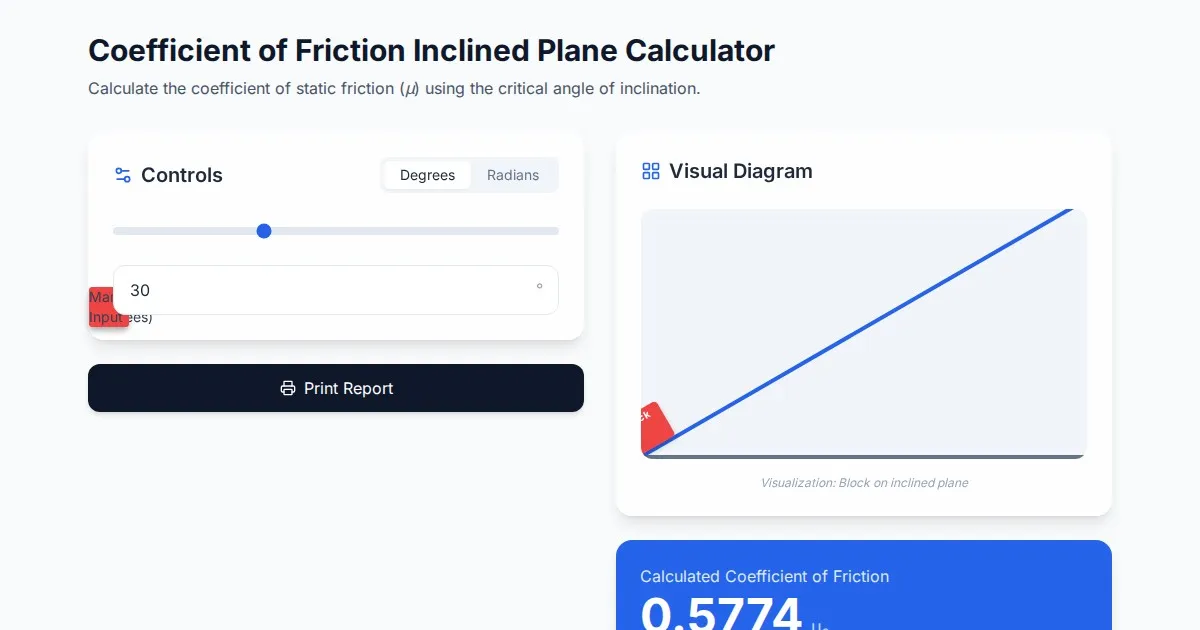
Free Coefficient of Friction Inclined Plane Calculator
Calculate the coefficient of friction using the angle of inclination. An essential physics tool for students and engineers. No installation, instant results.
Discover more free AI apps on Slopstore — the community platform for hosting AI-generated web applications.