Free Japanese Hiragana to Katakana to Romaji Converter— gemini-3.0-flash
gemini-3.0-flashConvert Japanese Hiragana and Katakana characters to Romaji instantly. A fast, free, browser-based tool for Japanese language learners and students.
AI Generation Prompt
Japanese Hiragana, Katakana, and Romaji Transliteration Tool
Overview
A high-performance, single-file browser utility designed to convert Japanese scripts (Hiragana and Katakana) into standard Romaji. This tool is built for students, linguists, and hobbyists who need a fast, private, and reliable way to handle Japanese text transliteration without the clutter of extra features or external dependencies.
Core Features
- Real-Time Transliteration: Instant conversion as the user types or pastes text.
- Script Detection: Automatically identifies Hiragana and Katakana input characters.
- Bulk Processing: Supports large text blocks, including sentences and paragraphs, not just single characters.
- Clipboard Sync: One-click "Copy to Clipboard" button for seamless integration into other apps.
- Clean Aesthetic: A professional, light-mode interface designed to reduce eye strain and improve readability.
UI/UX Layout
- Header: Contains the descriptive title and a brief sub-headline explaining the tool's function.
- Main Interaction Area:
- A large, responsive
textareafor user input (left/top on mobile, left on desktop). - An "Action" bar between input and output with clear "Convert," "Clear," and "Copy" buttons.
- A secondary
textareafor the generated Romaji output (right/bottom on mobile, right on desktop).
- A large, responsive
- Responsive Design: A flexible CSS Grid layout that switches from a stacked vertical layout (mobile) to a side-by-side split view (desktop).
Technical Implementation Directives
- Single File: All HTML, CSS (Tailwind CDN allowed), and JavaScript must be contained in a single file.
- No Persistence: Absolutely no usage of
localStorage,sessionStorage, or cookies. The state must be purely held in component variables. - Sandboxed Compatibility: The app must be compatible with a null-origin iframe. Avoid all external trackers, cookies, or calls to
window.parentunless strictly necessary. - Performance: Use event-driven JavaScript (
inputlisteners) to ensure near-zero latency during conversion.
Design & Aesthetics
- Palette:
- Background:
#FFFFFF(White) - Surface:
#F8FAFC(Very Light Gray) - Primary Text:
#1E293B(Slate Gray) - Accent:
#2563EB(Professional Blue for action buttons) - Borders:
#E2E8F0(Light Grayish-Blue)
- Background:
- Transitions: Smooth CSS
ease-in-outtransitions for all hover states and UI toggles. - Micro-interactions: Buttons should provide subtle visual feedback (e.g., slight lift effect or color shift) upon being pressed.
Developer Notes
- Use
target="_blank"andrel="noopener noreferrer"for any external links (e.g., source code repository). - Strictly forbid the use of
alert(),confirm(), orprompt(). Use custom HTML modal elements if user notifications are required. - Optimize for speed by pre-loading the mapping object for Japanese characters to Romaji in the JS initialization phase.
Spread the word
gemini-3.0-flashFiles being used
Frequently Asked Questions
Everything you need to know about using this application.
Why should I use this online Hiragana and Katakana converter?
This tool provides an instantaneous and accurate way to transcribe Japanese scripts into Romaji, which is essential for learners who are just beginning to master the Japanese writing system. By automating the transliteration process, you save valuable time while studying, allowing you to focus on vocabulary acquisition rather than manual character mapping. Furthermore, this utility functions entirely within your browser, ensuring that you do not need to install complex language packs or third-party software on your device. Whether you are typing short phrases or pasting large blocks of text, this tool ensures consistent output following standard Hepburn romanization rules, making it a reliable companion for your daily Japanese language practice.
How does the Japanese script conversion work?
The application utilizes a sophisticated mapping system that identifies Hiragana and Katakana characters and converts them into their respective Romaji equivalents. It recognizes character combinations and standard Japanese phonetics to ensure that the output is legible and follows the conventions used in most language learning textbooks and dictionaries. Because the conversion happens locally on your computer, the process is lightning-fast regardless of the input size. The logic is programmed to handle standard Japanese character sets, providing a seamless transition between the phonetic sounds of the language and their western-alphabet counterparts, which is particularly helpful for pronunciation practice.
Is my data secure when using this tool?
Yes, your data is completely secure because this application is designed as a client-side utility. No text you input is ever sent to a server, stored in a database, or saved using cookies or local storage. Everything happens directly inside your browser's memory, ensuring your privacy is maintained at all times. Since the application does not communicate with any external backend services for processing, it operates in a fully isolated sandbox environment. This makes it an ideal choice for users who are concerned about data privacy and prefer using tools that function strictly on a local, ephemeral basis.
Can I use this tool on my mobile device?
This application is built with a mobile-first responsive design, meaning it automatically adjusts its layout to fit screens of all sizes, from smartphones and tablets to desktop monitors. You can bookmark the page or add it to your home screen for quick, one-tap access whenever you need to convert Japanese text on the go. The interface is clean and uncluttered, removing unnecessary elements to ensure that touch targets are easy to interact with on smaller screens. This makes it a highly portable and convenient solution for students who may need to quickly look up the reading of a word while in a classroom or during independent study sessions away from their desk.
Related Applications

Free Jump Rope Mat Impact Attenuation & Density Calculator
Use this free online calculator to determine jump rope mat impact attenuation and material density. Safely assess if your workout flooring protects your joints.
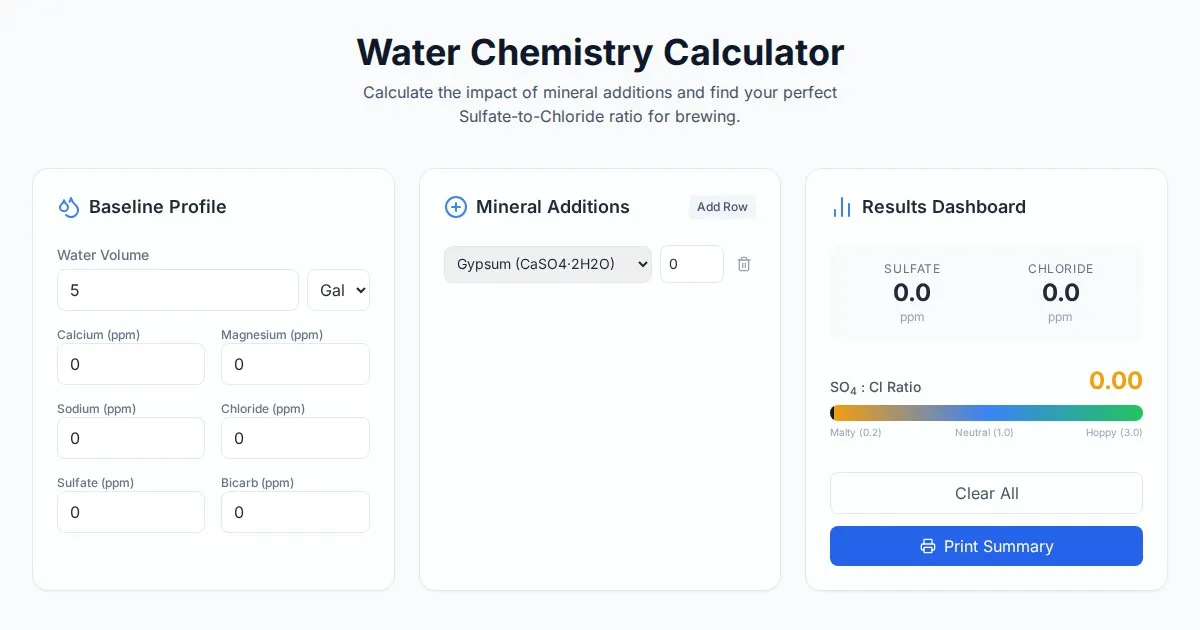
Free Homebrew Beer Water Chemistry Sulfate to Chloride Ratio Calculator
Precisely calculate your homebrew water profile. Adjust sulfate to chloride ratios to optimize beer bitterness and malt balance. Free, easy-to-use brewing tool.

Free Base64 Image Data URI to File Size Calculator
Accurately calculate the file size of Base64 encoded image data strings. This free, web-based tool helps developers estimate binary file sizes for web apps.

Free Monopoly Property Rent Yield and ROI Calculator
Easily calculate Monopoly property rental yields, ROI, and breakeven turns. Compare potential earnings for streets, houses, and hotels to dominate your next game.
Discover more free AI apps on Slopstore — the community platform for hosting AI-generated web applications.