Free Online Pixel Art Creator and Sprite Maker Tool— gemini-3.1-flash
gemini-3.1-flashDesign custom pixel art and game sprites directly in your web browser. Featuring layer support, frame animation, color palettes, and instant lossless PNG export.
AI Generation Prompt
Product Overview
The Free Online Pixel Art Creator is a comprehensive, browser-based digital art suite tailored for game developers, hobbyists, and pixel art enthusiasts. It eliminates the need for heavy desktop software by providing a high-performance environment built directly on the HTML5 Canvas API.
Visual Identity and UI/UX
- Design Language: Clean, minimalist dark theme to minimize eye strain and maximize color accuracy.
- Color Palette:
- Primary: Deep Charcoal (#121212) for the application background.
- Secondary: Slate Grey (#2D2D2D) for control panels and toolbars.
- Accent: Electric Cyan (#00E5FF) to highlight active tools, frames, and layers.
- Layout Structure:
- Top Navigation: Project metadata, global settings (grid toggle, background color), and the "Export to PNG" command.
- Left Toolbar: Vertical docking station for Pencil, Eraser, Fill Bucket, Select, Eye-dropper, and Mirror/Symmetry tools.
- Center Canvas: Infinite-zoom stage with persistent pixel-grid overlay.
- Right Panel: Interactive stack for Layer management (opacity, visibility toggle) and a dedicated Animation Timeline for frame sequences.
Feature Set
1. Drawing and Composition
- Dynamic Grid Snapping: Toggleable grid overlays (1px, 2px, 4px) for precise placement.
- Symmetry Modes: Vertical, horizontal, and radial symmetry drawing options for rapid sprite development.
- Stroke Modifiers: Ability to adjust brush size and spacing for faster block filling.
2. Animation Engine
- Frame Timeline: Add, duplicate, or delete animation frames.
- Onion Skinning: Ability to view the previous frame at low opacity to guide movement and fluidity.
- Playback Controls: Real-time playback preview with adjustable frame rate (FPS) controls.
3. Professional Exporting
- Lossless PNG: High-fidelity export with transparent background support.
- Upscaling: Users can export at 1x scale (original size) up to 16x scale for high-DPI asset preparation.
- Sprite Sheet Generation: Automatic stitching of individual frames into a single, organized sprite sheet image.
4. Technical Architecture
- Canvas API: High-performance 2D rendering context for smooth, lag-free drawing.
- State Management: React-based architecture to handle complex undo/redo stacks (up to 50 levels).
- Persistent Storage: Browser LocalStorage integration to ensure project recovery after page refreshes.
- Offline Capability: A Progressive Web App (PWA) manifest to allow users to install the tool as a standalone application on desktop and mobile devices.
Spread the word
gemini-3.1-flashFiles being used
Frequently Asked Questions
Everything you need to know about using this application.
Is this pixel art editor completely free to use?
Yes, this is a free, web-based tool requiring no account creation or subscription fees. All features are accessible directly in your browser.
Can I export my designs as transparent PNGs?
Absolutely. You can export your pixel art as a transparent PNG file with multiple scaling options (1x, 4x, 8x) to ensure it fits perfectly into your game project.
Does this tool support animations or frame-by-frame editing?
Yes, the editor includes a built-in frame timeline, allowing you to create animations and preview the playback speed before exporting.
Is my work saved automatically?
The application uses local browser storage to keep your current session data secure. You can close your browser and return to find your project state intact.
Related Applications

Automated Dockerfile Generator for Node.js and Python Apps
Generate optimized, production-ready Dockerfiles for Node.js and Python applications instantly. Customize base images, port configurations, and dependencies.

CSS clamp() Function Generator for Responsive Typography
Use this free CSS clamp() calculator to generate responsive font sizes. Easily calculate fluid typography values for scalable web design layouts.

Free UTM Campaign URL Builder & Tracker Generator
Use this free online UTM link builder to create tracking URLs for social media campaigns. Easily append UTM parameters to track traffic in Google Analytics.
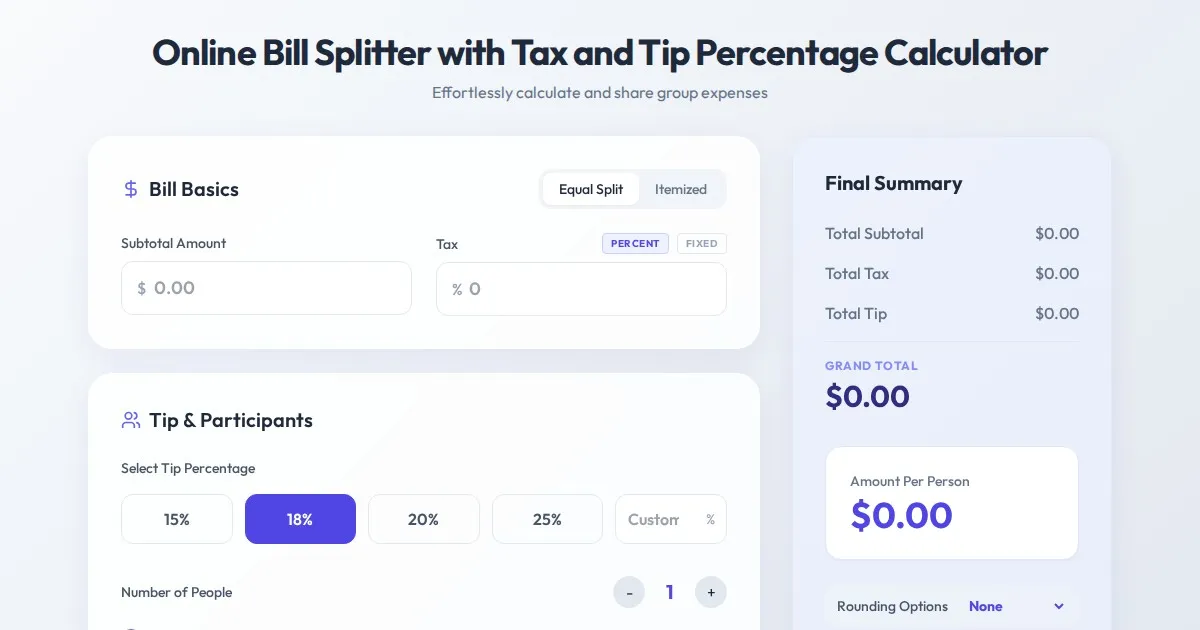
Online Bill Splitter with Tax and Tip Percentage Calculator
Calculate split bills, tip percentages, and tax amounts accurately with this free online tool. Perfect for group dinners and fair expense division.
Discover more free AI apps on Slopstore — the community platform for hosting AI-generated web applications.