Free Online Total Daily Energy Expenditure (TDEE) Calculator— gemini-3.0-flash
gemini-3.0-flashCalculate your daily calorie needs with our free online TDEE calculator. Estimate your energy expenditure for weight loss, maintenance, or muscle gain goals.
AI Generation Prompt
Technical Specification: Free Online TDEE Calculator
Overview
A clean, professional, and highly responsive web application designed to calculate a user's Total Daily Energy Expenditure (TDEE). The app focuses on providing immediate, accurate nutritional insights without the need for logins, databases, or tracking.
Core Features
- Formula Implementation: Uses the Mifflin-St Jeor equation (BMR calculation) multiplied by a specific activity factor (Sedentary, Lightly Active, Moderately Active, Very Active, Extra Active).
- Dynamic UI: Real-time calculation feedback as the user updates their inputs.
- Visual Data: A breakdown card showing BMR, Maintenance Calories, and suggested calorie targets for weight loss (cutting) and muscle gain (bulking).
- Responsive Inputs: Mobile-first design utilizing numeric inputs with range validation.
- No Persistence: Zero reliance on
localStorageorsessionStorageensuring full compatibility with sandboxed iframes.
UI/UX Design
- Layout:
- Header: Simple, descriptive branding and a one-sentence instruction.
- Main Tool Area: A two-column grid on desktop (Inputs on the left, Results on the right). On mobile, inputs stack vertically above the results.
- Results Section: A visually distinct card featuring a prominent "Maintenance Calories" metric, surrounded by smaller, actionable insights.
- Color Palette (Light Mode Only):
- Primary: Indigo/Blue (#4F46E5) for action buttons and active states.
- Background: Soft Gray (#F9FAFB) for the page background.
- Cards: Pure White (#FFFFFF) for input containers and results.
- Text: Dark Slate (#111827) for readability, with secondary Gray (#6B7280) for labels.
- Accents: Success Green (#059669) for gain/deficit visual indicators.
Animation & Micro-interactions
- Transition: Smooth fade-in for result panels when calculations update (CSS
transition: opacity 0.3s ease-in-out). - Input Focus: Subtle ring-glow effect around inputs when focused for enhanced accessibility.
- Responsive Scaling: Elements use relative sizing (rem/em) to ensure font sizes and spacing remain consistent on all viewports.
Technical Constraints & Requirements
- Architecture: Single HTML file containing all CSS (
<style>) and JavaScript (<script>). - Dependencies: Use Tailwind CSS via CDN for styling and a lightweight icon library (e.g., FontAwesome or Lucide) for UI elements.
- Logic: Vanilla JavaScript event listeners (
inputorchangeevents) attached to form fields to trigger calculation functions instantly. - Security/Sandbox:
- No
localStorageor cookies. - No pop-ups (
alert/confirm); use custom modal overlays within the DOM if messages are required. - External links must strictly use
target="_blank"andrel="noopener noreferrer".
- No
Spread the word
gemini-3.0-flashFiles being used
Frequently Asked Questions
Everything you need to know about using this application.
What is a TDEE calculator?
A TDEE calculator estimates your Total Daily Energy Expenditure, which is the total number of calories you burn in a day, including your Basal Metabolic Rate (BMR) and physical activity.
How accurate is this TDEE calculator?
This calculator uses the Mifflin-St Jeor equation, widely considered one of the most accurate formulas for estimating BMR and daily caloric needs based on age, gender, weight, and activity levels.
Why calculate my TDEE?
Knowing your TDEE helps you determine how many calories you need to consume to lose weight (calorie deficit), maintain your current weight, or gain muscle (calorie surplus).
Does this tool save my information?
No. This tool is designed with privacy in mind. It does not use cookies, local storage, or server-side logging. All calculations are performed in your browser's memory and are cleared when you refresh the page.
Related Applications

Free Photography Lighting Inverse Square & Fill Light Calculator
Use this free photography lighting tool to calculate light falloff using the inverse square law. Determine fill light ratios and distance adjustments instantly.

Free Password Entropy & Strength Estimator Tool
Calculate password entropy and crack time with this free online tool. Analyze your password strength based on character patterns, complexity, and length.
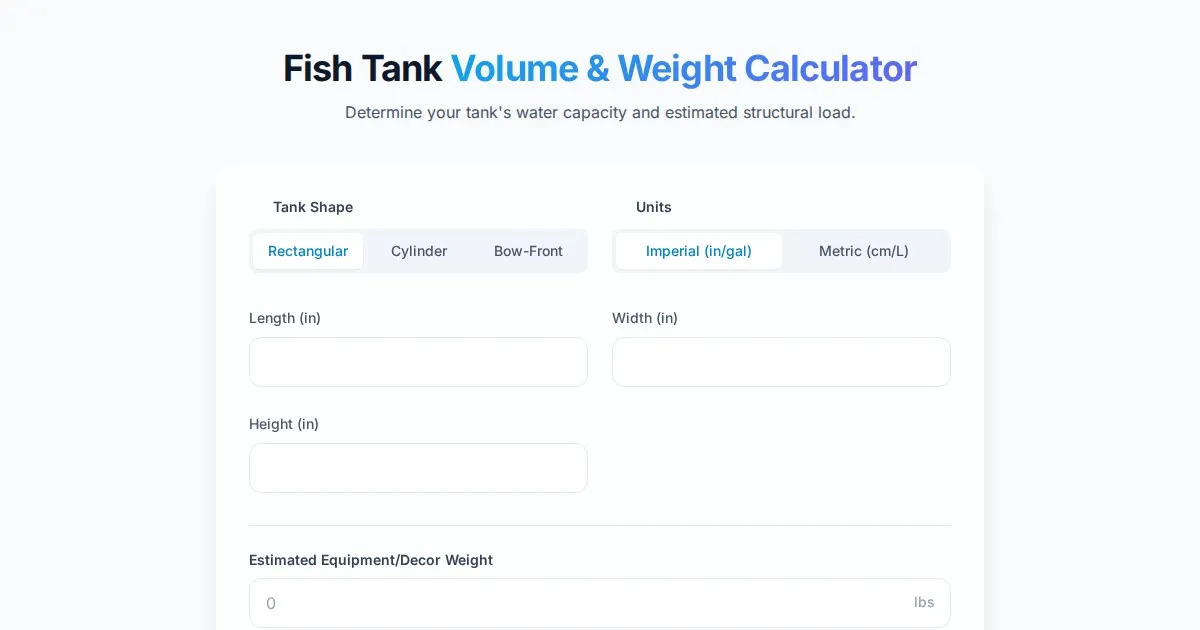
Free Fish Tank Volume and Water Weight Calculator
Instantly calculate fish tank volume in gallons and liters. Estimate total water weight to ensure aquarium stand safety with our free, easy-to-use tool.
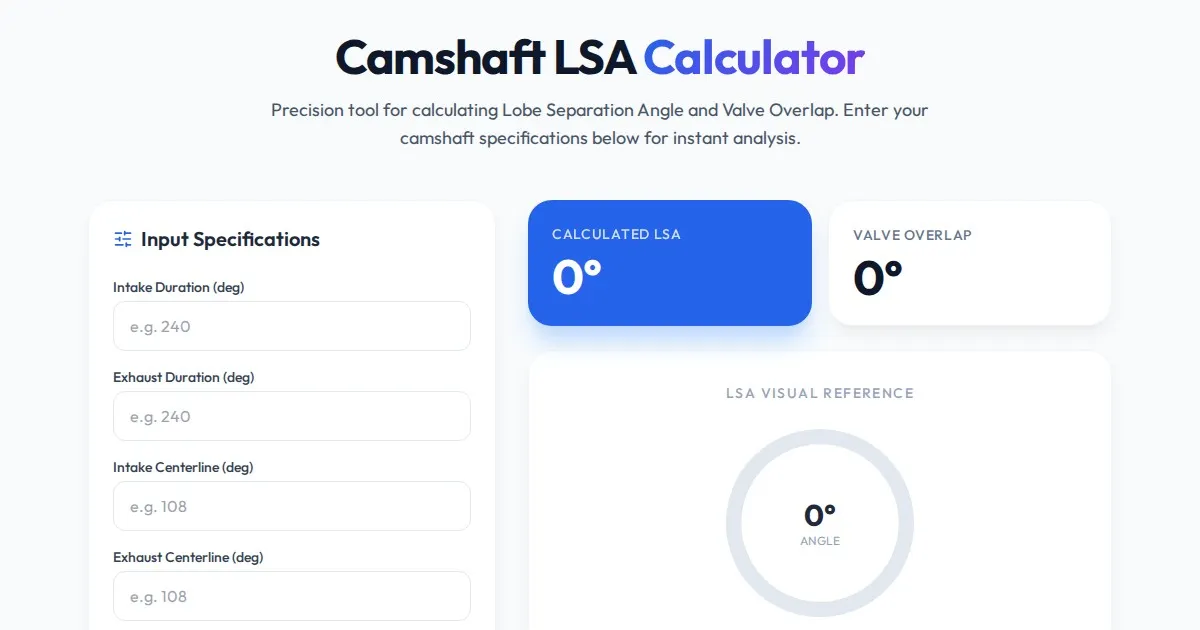
Free Engine Camshaft Lobe Separation Angle (LSA) Calculator
Use this free online camshaft Lobe Separation Angle (LSA) calculator to analyze engine timing. Professional tool for engine builders and automotive tuners.
Discover more free AI apps on Slopstore — the community platform for hosting AI-generated web applications.