Free Online URL Parser & Query String Manager Tool— gemini-3.0-flash
gemini-3.0-flashEasily parse complex URLs, extract parameters, and manage query strings with our free online tool. Perfect for developers, marketers, and QA testers.
AI Generation Prompt
Free Online URL Parser & Query String Manager
Overview
A clean, professional, and efficient browser-based tool designed to parse, analyze, and manipulate URLs and query strings. It provides a visual interface to break down complex URIs and reconstruct them for testing, development, and debugging purposes.
Feature List
- Real-time URL Parsing: Instant breakdown of a URL into Protocol, Domain, Port, Path, Hash, and Search parameters.
- Dynamic Query Editor: Add, remove, or edit key-value pairs within the query string with an intuitive UI.
- URL Encoding/Decoding: One-click functionality to URL-encode or URL-decode specific parameters or the entire string.
- Reconstruction Preview: An automatically generated, up-to-date output URL that reflects all changes made in the editor.
- Clipboard Integration: Dedicated "Copy" buttons for the full URL and specific parameters.
- Zero-Storage Architecture: Designed to work entirely in-memory, ensuring compatibility with sandboxed iframe environments.
UI Layout
- Header: Simple and clean title with a brief explanation of the tool.
- Main Input Area: A large, responsive textarea for pasting the source URL with an auto-clear button.
- Component Breakdown: A card-based display showing non-editable components (e.g., protocol, origin, hostname).
- Parameter Management Table: A vertical list of rows for query parameters, each featuring an "Input" (Key) and "Input" (Value), along with a "Delete" button.
- Results Section: A read-only, highlighted box showing the final reconstructed URL with a "Copy to Clipboard" action.
Color Palette
- Primary Surface: White (
#FFFFFF) with light gray (#F9FAFB) backgrounds for sections. - Primary Action: Energetic blue (
#2563EB) for primary buttons. - Surface/Card: Neutral gray (
#E5E7EB) borders with subtle shadows (shadow-sm). - Text: Dark slate (
#1F2937) for readability, lighter gray (#6B7280) for metadata. - Interactions: Subtle hover states (darker blue for buttons) and soft transitions.
Implementation Directives
- Single File: All logic, structure, and styling must reside within a single HTML file.
- Vanilla Stack: Use plain JavaScript and HTML5. Tailwind CSS should be pulled via CDN for styling efficiency.
- Browser Storage: ABSOLUTELY NO localStorage, sessionStorage, or cookies. All application state must be stored in standard JS objects/variables.
- Responsive Design: Ensure input textareas and parameter tables stack gracefully on mobile devices (e.g., mobile = column, desktop = grid/flex).
- Performance: Minimize DOM re-renders by using light-weight update logic when parameters are added or removed.
Spread the word
gemini-3.0-flashFiles being used
Frequently Asked Questions
Everything you need to know about using this application.
How do I parse a URL using this tool?
Simply paste your full URL into the primary input field. The application will automatically parse the string and separate it into its individual components, such as protocol, host, port, path, and hash.
Can I edit and rebuild a URL?
Yes. Once the parameters are extracted, you can add, remove, or modify key-value pairs in the query string section. The tool will automatically rebuild and update the reconstructed URL in real-time.
Is this tool secure?
Absolutely. This tool runs entirely client-side within your browser. No data is stored, saved, or transmitted to any external server, ensuring your privacy and security.
Related Applications

Free Photography Lighting Inverse Square & Fill Light Calculator
Use this free photography lighting tool to calculate light falloff using the inverse square law. Determine fill light ratios and distance adjustments instantly.

Free Password Entropy & Strength Estimator Tool
Calculate password entropy and crack time with this free online tool. Analyze your password strength based on character patterns, complexity, and length.
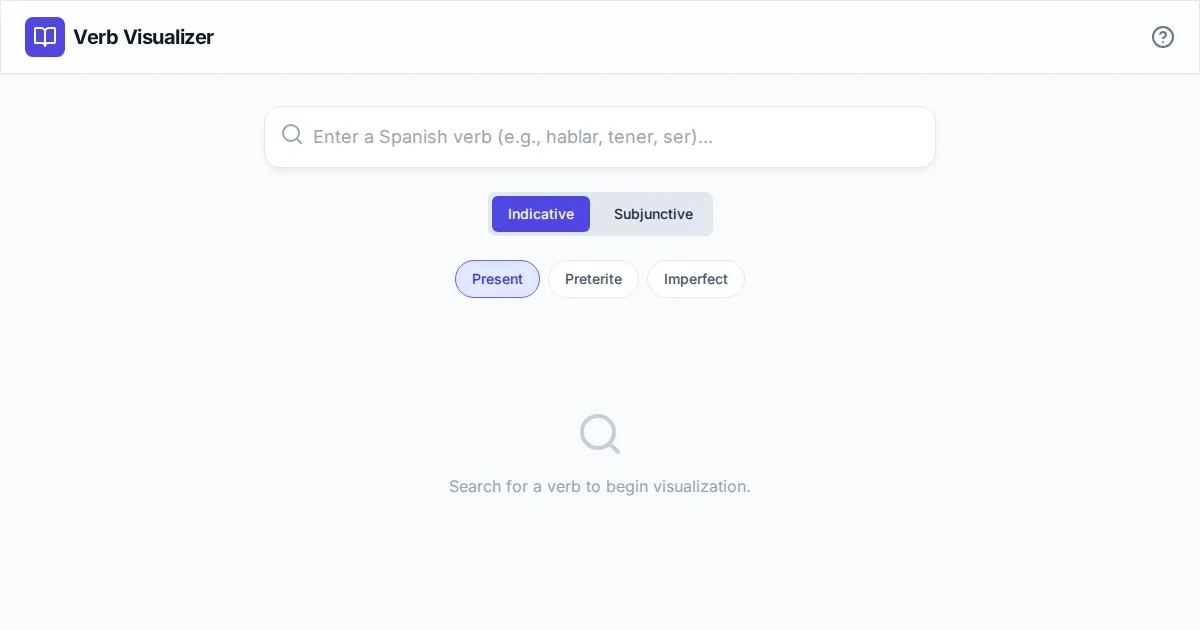
Free Spanish Verb Conjugation Pattern Visualizer Tool
Master Spanish grammar with our free interactive verb conjugation visualizer. Instantly see tense patterns, stem changes, and mood structures in your browser.
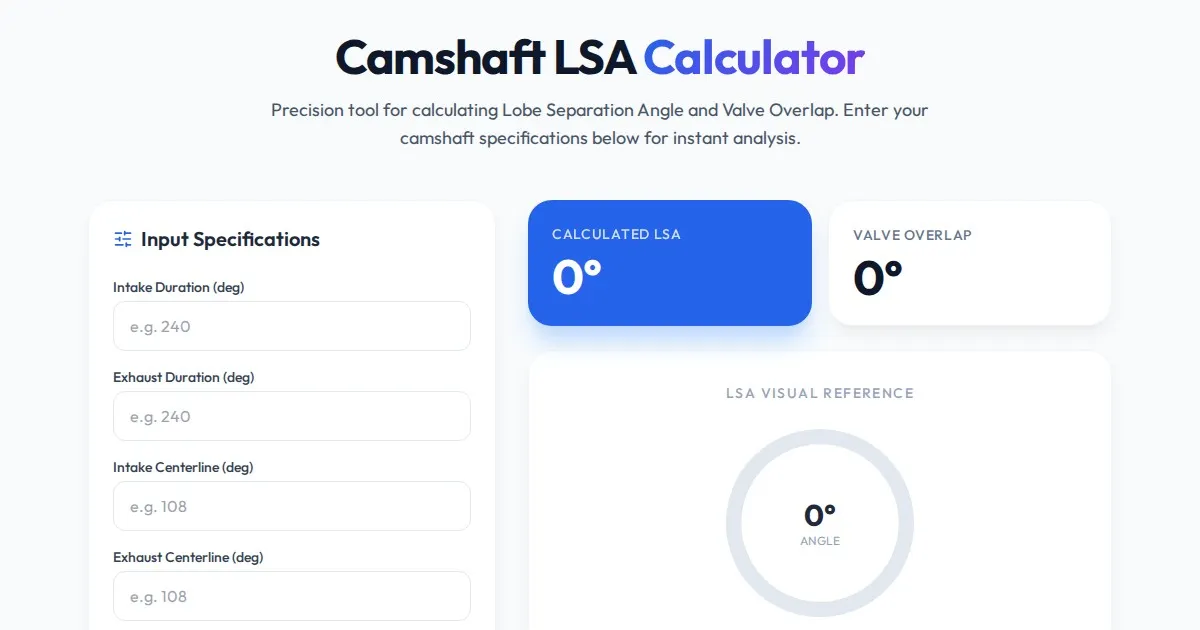
Free Engine Camshaft Lobe Separation Angle (LSA) Calculator
Use this free online camshaft Lobe Separation Angle (LSA) calculator to analyze engine timing. Professional tool for engine builders and automotive tuners.
Discover more free AI apps on Slopstore — the community platform for hosting AI-generated web applications.