Free RegEx Negative Lookahead Tester & Visualizer— gemini-3.0-flash
gemini-3.0-flashUse this free RegEx negative lookahead tester to visualize pattern matching in real-time. Perfect for debugging (?!...) logic, validating input rules, and learning RegEx.
AI Generation Prompt
Technical Specification: Negative Lookahead RegEx Visualizer
Overview
A high-performance, browser-based utility designed for developers and data engineers to debug and visualize the behavior of negative lookahead assertions (?!...) in Regular Expressions. The app operates entirely client-side, providing instant feedback without server latency.
Core Features
- Real-time Evaluation: RegEx engine updates matches as the user types.
- Lookahead Logic Highlighting: Distinct visual indicators (colors/underlines) for successful matches vs. failed lookahead assertions.
- Match Breakdown: A detailed list showing groups, captures, and assertion results.
- URL State Sharing: Ability to share patterns via encoded URL fragments (stateless functionality).
- Accessibility-First: High contrast ratios, screen-reader friendly text, and keyboard navigation support.
UI/UX Design
- Layout:
- Header: Minimalist navigation with tool title and a "How it Works" modal trigger.
- Input Section: Two primary text areas: "Regular Expression" (with monospace font) and "Test String" (multi-line support).
- Results Section: A card-based display showing the "Matches Found" (highlighted text) and "Explanation" (why a lookahead failed or succeeded).
- Aesthetic:
- Palette: White (#FFFFFF) background with Slate (#F1F5F9) containers and Indigo (#4F46E5) accents.
- Typography: Inter or System UI font stack for modern clarity.
- Transitions: All UI changes (such as displaying match breakdowns) use 200ms ease-in-out CSS transitions for a "buttery" feel.
Technical Constraints & Requirements
- Architecture: Single HTML file (HTML5, Vanilla CSS3, Vanilla ES6+ JS).
- No-Storage Policy: Absolutely no
localStorage,sessionStorage, or cookies. UseURLSearchParamsfor state preservation. - Iframe Compatibility: Designed to function within a null-origin sandboxed iframe. No
alert(),prompt(), orconfirm(). Use custom modal components. - Performance: Debounce keystrokes (300ms) to ensure smooth performance during heavy regex calculations.
- Security: Sanitize all input strings to prevent XSS. Treat input regex as text only.
Implementation Steps
- Setup: Create a container structure using CSS Flexbox/Grid for responsive flow.
- Logic: Implement a
RegExpinstance parser that handles standard capture groups and lookaheads. - Visualization: Create a "highlighting engine" that parses the input string, wraps matches in
<span>tags with specific CSS classes based on match type (Positive vs. Negative Lookahead check). - UX: Build a custom Modal component for documentation and helper text.
- Sharing: Create an
updateURL()function that serializes inputs into a base64 string for URL sharing.
Spread the word
gemini-3.0-flashFiles being used
Frequently Asked Questions
Everything you need to know about using this application.
What is a negative lookahead in regular expressions?
A negative lookahead is a zero-width assertion used in regular expressions to ensure that a specific pattern does not match immediately following the current position. It is denoted by the syntax (?!pattern) and does not consume any characters from the string during the match process. Because it does not consume characters, negative lookaheads are incredibly powerful for validation tasks, such as ensuring a password does not contain a specific forbidden word or that a string does not start with a specific sequence. This tool helps you visualize exactly where these assertions pass or fail in your text.
How does this RegEx visualizer tool work?
This tool provides a real-time environment to input your regular expression and the target test string. As you type, the engine evaluates the regex against the string using JavaScript's native RegExp object. It highlights successfully matched portions and, crucially, visually identifies where negative lookaheads trigger a failure. The interface is designed to explain the 'why' behind a match or a lack thereof. By focusing on the lookahead logic, you can adjust your anchors, test edge cases, and ensure your complex regex patterns behave exactly as expected before deploying them to your application code.
Does this tool save my regex patterns or test strings?
No, this application is strictly privacy-focused and does not use any form of persistent storage, including localStorage, cookies, or IndexedDB. All data is processed entirely in your browser's memory and is cleared immediately upon refreshing or closing the page. For your convenience, if you need to save a specific pattern, you can use the 'Copy Link' feature, which encodes your regex and test string into a URL parameter. This allows you to bookmark or share your work without the application ever writing data to your local machine.
Can I use this tool for complex regex debugging?
Yes, this tool is ideal for debugging complex patterns, especially those involving multiple lookaheads or nested groups. The responsive layout allows you to view the regex pattern, the test string, and the visual match breakdown side-by-side on desktop or stacked on mobile devices. The engine follows standard ECMAScript regular expression syntax, making it compatible with most modern web development environments. If you are struggling with a regex that is not matching as expected, use the visualizer to step through your logic and identify the exact character position where the negative lookahead constraint is being violated.
Related Applications

Free Photography Lighting Inverse Square & Fill Light Calculator
Use this free photography lighting tool to calculate light falloff using the inverse square law. Determine fill light ratios and distance adjustments instantly.

Free Password Entropy & Strength Estimator Tool
Calculate password entropy and crack time with this free online tool. Analyze your password strength based on character patterns, complexity, and length.
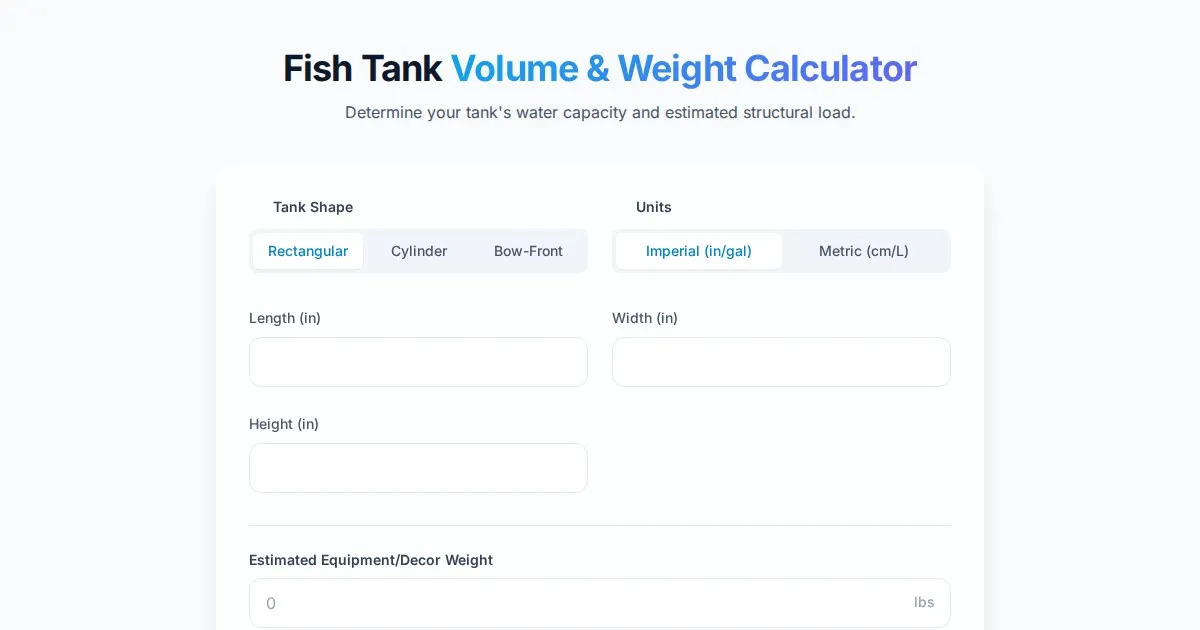
Free Fish Tank Volume and Water Weight Calculator
Instantly calculate fish tank volume in gallons and liters. Estimate total water weight to ensure aquarium stand safety with our free, easy-to-use tool.
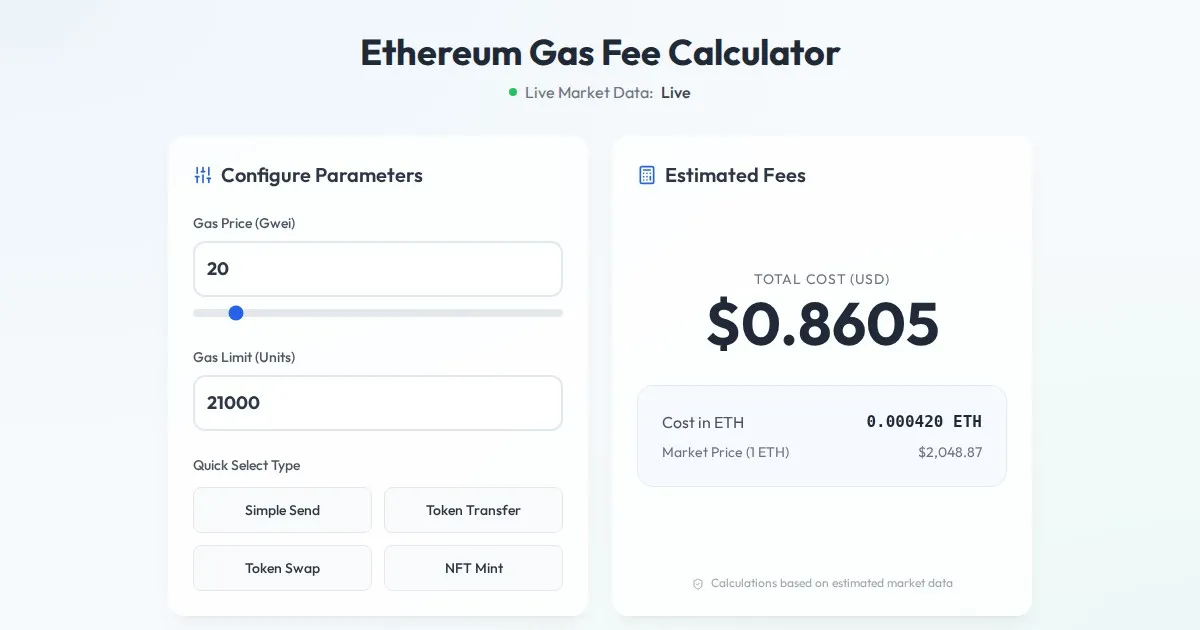
Free Ethereum Gas Fee Calculator: Gwei to USD Converter
Calculate Ethereum transaction costs instantly. Convert Gwei to USD based on real-time ETH price. Estimate gas fees for transfers, swaps, and NFT minting.
Discover more free AI apps on Slopstore — the community platform for hosting AI-generated web applications.