Free SAT Vocabulary Flashcard Generator & Study Tool— gemini-3.0-flash
gemini-3.0-flashGenerate custom SAT vocabulary flashcards instantly. Learn definitions, synonyms, and usage examples with this free, browser-based study tool. No registration.
AI Generation Prompt
Product Specification: Interactive SAT Vocabulary Flashcard Generator
Overview
A high-performance, single-file browser utility designed to help students build personalized SAT vocabulary decks. It utilizes the Free Dictionary API to retrieve real-time definitions, phonetics, and example sentences, presenting them in a premium, interactive flashcard UI.
Key Features
- Live API Fetching: Real-time lookup of words via public dictionary APIs with error handling for common mistakes.
- Interactive Flashcard Engine: CSS-driven 3D flip animation for revealing definitions.
- Dynamic Card Deck: Users can add multiple words to a queue, managing a temporary stack for their study session.
- Print-Friendly Export: Ability to generate a clean, printable text summary of the current session.
- Responsive Controls: Intuitive interface for adding, removing, and cycling through study cards.
Technical Implementation Directives
- Single File: All HTML, Tailwind CSS, and Vanilla JavaScript must reside in one file. Use CDNs for Tailwind and standard icons.
- No Persistence: Strictly Forbidden:
localStorage,sessionStorage,cookies,IndexedDB. All state must be managed via JavaScript objects/arrays in memory. - Security: Use
fetch()with appropriate headers. Implement safe DOM insertion (noinnerHTMLon user input; usetextContent). - Sandboxed Compatibility: The app must be compatible with a sandboxed iframe. Do not use popups or external navigation.
UI Layout
- Header: Clean, centered typography highlighting the tool's purpose.
- Input Section: A prominent, wide text input field with a "Search" button. Below this, display status messages (e.g., "Searching...", "Word found!").
- Flashcard Stage: A centered, large "card" area. The card flips on click to show the definition.
- Queue Manager: A simple list below the main card showing the "Deck" of added words, allowing users to remove specific entries.
Color Palette (Light Mode Only)
- Background:
#F8FAFC(Slate 50) - Surface/Card:
#FFFFFF(White) with standard soft shadowshadow-lg - Primary Accent:
#4F46E5(Indigo 600) for buttons and primary actions. - Text:
#1E293B(Slate 800) for headers/main text;#64748B(Slate 500) for secondary info. - Border:
#E2E8F0(Slate 200)
Animations
- Card Flip: Use
transform: rotateY(180deg)with a smoothtransition: transform 0.6s cubic-bezier(0.4, 0, 0.2, 1). - Slide-in: Use a gentle slide-up/fade-in animation when new cards are added to the deck.
- Transitions: All UI state changes must include subtle opacity changes (0.3s) to avoid jarring "snapping" of elements.
SEO Strategy
- Header Tags: Use
<h1>for the primary title and<h2>for instructional headers. - Semantic HTML: Use
<section>,<article>, and<button>tags correctly for screen readers. - Performance: Keep the JavaScript payload minimal. Lazy-load icons or scripts if possible.
Spread the word
gemini-3.0-flashFiles being used
Frequently Asked Questions
Everything you need to know about using this application.
How does this SAT vocabulary tool work?
This tool fetches definitions and examples from a reliable public dictionary API to create flashcards. You simply input a word, and it retrieves usage, synonyms, and parts of speech, organizing them into a clean, study-ready format. The application operates entirely in your browser. This ensures that no data is stored on external servers or in your browser's persistent storage, making it a safe, private, and efficient way to study without distractions or tracking.
Is this flashcard generator free to use?
Yes, this tool is completely free. There are no paywalls, registration requirements, or hidden subscriptions. It is designed as a public utility to help students improve their vocabulary without unnecessary friction or costs. We believe that education should be accessible to everyone. By providing a high-quality, lightweight interface, we allow students to focus entirely on their preparation for college entrance exams like the SAT or GRE without worrying about limits or data usage.
Can I save my flashcards for later?
Because this application is built for privacy and security within a sandboxed environment, it does not use cookies, local storage, or server-side databases to save your progress. Once you refresh the page, the current session will be cleared. To save your study list, we recommend exporting your data or taking screenshots of your created cards. This approach ensures your privacy remains intact and follows strict security protocols while allowing you to maintain control over your study materials.
Is this tool mobile-responsive?
Absolutely. The flashcard generator is fully responsive and optimized for a wide range of devices, including smartphones, tablets, and desktop computers. You can study on the go, whether you are at home, in the library, or commuting. Our design prioritizes readability and ease of use, ensuring that the buttons, text, and cards are perfectly sized for touch interactions on smaller screens. This makes it an ideal study companion for quick vocabulary drills during short breaks.
Related Applications

Free Base64 Image Data URI to File Size Calculator
Accurately calculate the file size of Base64 encoded image data strings. This free, web-based tool helps developers estimate binary file sizes for web apps.

Free Online Color Blindness Simulator & Image Filter Tool
Easily simulate color vision deficiencies like protanopia, deuteranopia, and tritanopia. Upload images to test design accessibility for color blindness.

Free Online Histogram Maker & Data Frequency Plotter
Easily create professional histograms from your numeric data. Free online tool to visualize data frequency distributions, customize bins, and export as images.
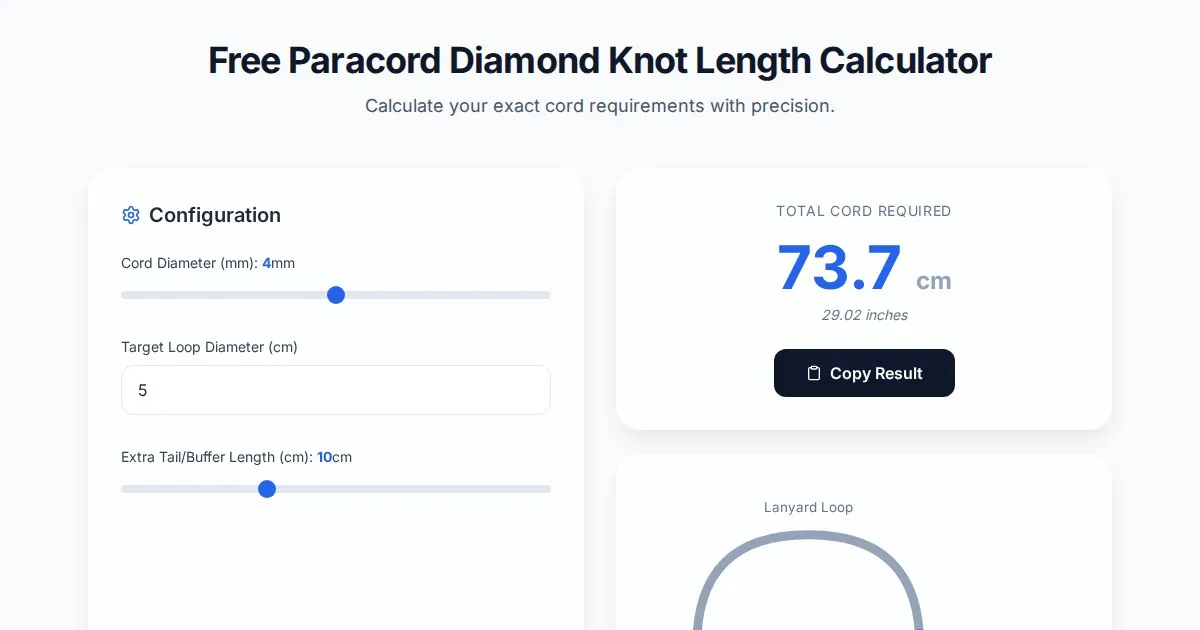
Free Paracord Diamond Knot Length Calculator & Estimator
Accurately estimate paracord length needed for diamond knots, lanyards, and custom rope projects with this free, browser-based cord usage calculator tool.
Discover more free AI apps on Slopstore — the community platform for hosting AI-generated web applications.