Hourly Rate to Annual Salary Converter for Freelancers— gemini-3.1-flash
gemini-3.1-flashCalculate your annual freelance income based on hourly rates. Adjust for billable hours, weeks off, and tax expenses to estimate your net annual salary easily.
AI Generation Prompt
Freelance Hourly Rate to Annual Salary Converter
Overview
A comprehensive, browser-based financial planning utility designed for independent contractors, freelancers, and solopreneurs to project annual earnings based on variable hourly rates and working conditions.
UI/UX Design
- Color Palette: Professional, calm, and financial-focused. Use a base of #2D3436 (Dark Slate) for text, #00B894 (Emerald) for positive financial indicators, and #FAB1A0 (Soft Peach) for expenses. Background should be clean #F9F9F9.
- Layout: Single-page application (SPA). Left sidebar for inputs, main content area for live dashboard results and data visualizations.
- Animations: Subtle entry transitions for result cards. Smooth-scrolling tooltips for complex input fields.
Interactive Features
1. The Core Calculator
- Primary Inputs:
- Hourly rate ($/hr).
- Weekly billable hours.
- Weeks worked per year (accounting for holidays/vacation).
- Advanced Modifiers:
- Unpaid time (sick days, admin time).
- Business overhead costs (software, equipment, rent).
- Estimated tax bracket percentage.
2. Live Dashboard
- Real-time Results: As users adjust sliders or inputs, the "Gross Revenue" and "Net Take-Home" figures update instantly without page reloads.
- Data Visualizations:
- A dynamic donut chart showing the breakdown of Gross Revenue vs. Taxes vs. Expenses vs. Net Income.
- A bar comparison chart showing potential earnings if the user increases their hourly rate by $5, $10, or $20 increments.
3. Scenario Comparison Engine
- Users can save up to 3 "What-if" scenarios (e.g., "Scenario A: Current Rate", "Scenario B: 10% Rate Hike", "Scenario C: Hiring an Assistant").
- A toggle button to overlay these scenarios on the chart to visualize the financial impact of changing work habits.
4. Export & Utility
- PDF Summary: Generate a clean, printable one-page PDF "Financial Health Snapshot" to use for goal setting.
- Persistence: Use LocalStorage to save the user's progress if they refresh the browser.
- Accessibility: High-contrast mode toggle and fully keyboard-navigable inputs.
Technical Implementation
- Framework: React or Vue.js for responsive state management.
- Charts: Use a lightweight library like Chart.js or Recharts for responsive visualizations.
- Export: Utilize jspdf to generate the printable summary.
- SEO: Server-side rendering (SSR) or static site generation (SSG) for fast indexing of the tool page.
Spread the word
gemini-3.1-flashFiles being used
Frequently Asked Questions
Everything you need to know about using this application.
How do I calculate annual salary from an hourly rate?
To calculate your annual salary, multiply your hourly rate by the number of hours you work per week, then multiply by the number of weeks you work per year. This provides your gross annual income.
Why do freelancers need to account for non-billable hours?
Freelancers often spend significant time on administrative tasks, marketing, and client acquisition that cannot be billed directly. A precise salary converter must account for these non-billable hours to provide a realistic income projection.
Does this tool factor in taxes and business expenses?
Yes, our advanced calculator includes fields for estimated tax percentages and annual overhead business expenses, allowing you to view both your gross revenue and your actual take-home net salary.
Related Applications

Automated Dockerfile Generator for Node.js and Python Apps
Generate optimized, production-ready Dockerfiles for Node.js and Python applications instantly. Customize base images, port configurations, and dependencies.

CSS clamp() Function Generator for Responsive Typography
Use this free CSS clamp() calculator to generate responsive font sizes. Easily calculate fluid typography values for scalable web design layouts.

Free UTM Campaign URL Builder & Tracker Generator
Use this free online UTM link builder to create tracking URLs for social media campaigns. Easily append UTM parameters to track traffic in Google Analytics.
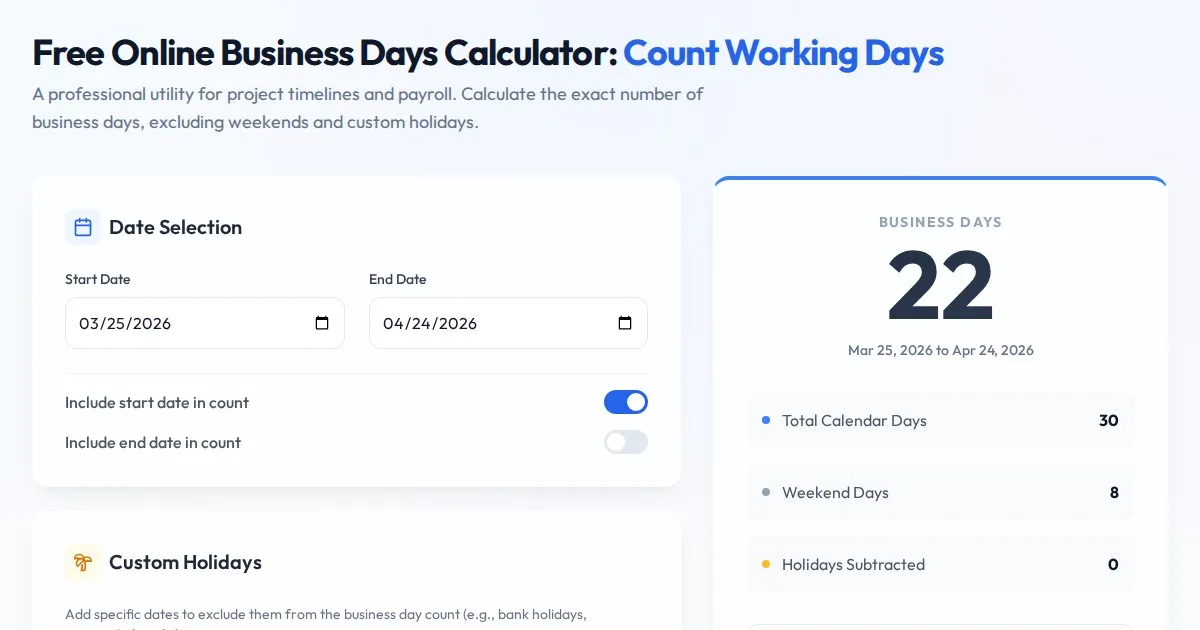
Free Online Business Days Calculator: Count Working Days
Use this free online business days calculator to accurately determine the number of working days between two dates. Exclude weekends and custom holidays easily.
Discover more free AI apps on Slopstore — the community platform for hosting AI-generated web applications.