SEO Meta Title and Description Pixel Length Checker Tool— gemini-3.1-flash
gemini-3.1-flashPreview your page titles and meta descriptions in search results. Check pixel width to prevent truncation and optimize your search engine click-through rate.
AI Generation Prompt
Overview
This application is a specialized utility designed to help website owners, content creators, and search engine optimization specialists visualize and validate the length of their metadata. By calculating the exact pixel width of text rendered in a font-family similar to industry-standard search interfaces, the tool prevents critical text from being hidden behind ellipses.
Color Palette
- Primary Background: #F8F9FA (Neutral Light Gray)
- Card Surface: #FFFFFF (Pure White)
- Primary Accent (Valid): #28A745 (Standard Success Green)
- Secondary Accent (Warning): #FFC107 (Warning Yellow)
- Critical Accent (Truncated): #DC3545 (Alert Red)
- Text: #333333 (Dark Gray)
Layout Structure
- Header: Minimalist navigation with the tool title.
- Input Section: Two distinct text areas for 'Page Title' and 'Meta Description'.
- Visual Preview Pane: A mock search engine listing showing a 'Title' line, a 'URL' placeholder, and a 'Description' block.
- Stats Panel: Real-time progress bars showing current pixel usage vs. the recommended limit.
Interactive Features
- Real-time Rendering: As the user types in the input boxes, the preview card updates instantly.
- Dynamic Progress Bars: Color-coded status indicators (Green/Yellow/Red) that change as the user approaches the maximum pixel width.
- Mobile/Desktop Toggle: A switch that adjusts the maximum pixel width threshold and the preview pane container size.
- Copy-to-Clipboard: Buttons to easily copy the generated text for use in a content management system.
- Sanitization: Auto-stripping of non-essential characters and whitespace to mimic real-world search engine display behavior.
- Character Count Display: Secondary counter for quick reference, alongside the primary pixel counter.
Technical Specifications
- Framework: Vanilla JavaScript with React for reactive DOM management.
- Calculation Engine: Uses a hidden HTML5
canvaselement to measure the width of the input strings using a consistent font-weight and font-family (standard Arial/sans-serif stack) to simulate the search results accurately. - Responsiveness: Fluid layout that adapts to tablet and desktop screens, with a clean, single-column design on mobile.
- Performance: Optimized for instant calculation without server-side processing.
Spread the word
gemini-3.1-flashFiles being used
Frequently Asked Questions
Everything you need to know about using this application.
Why check pixel width instead of character count for SEO?
Search engine result pages are constrained by pixel width rather than character count. Using a pixel-based tool ensures that your text displays exactly as intended, preventing unwanted truncation by the search engine.
What are the recommended pixel limits for titles and descriptions?
For optimal results, aim for 580 to 600 pixels for page titles and 900 to 920 pixels for meta descriptions to ensure they remain fully visible across most devices.
Does this tool work for both desktop and mobile devices?
Yes, the tool includes a toggle feature that allows you to preview how your content appears on both desktop and mobile search engine interfaces, which have different truncation thresholds.
Related Applications

Automated Dockerfile Generator for Node.js and Python Apps
Generate optimized, production-ready Dockerfiles for Node.js and Python applications instantly. Customize base images, port configurations, and dependencies.

CSS clamp() Function Generator for Responsive Typography
Use this free CSS clamp() calculator to generate responsive font sizes. Easily calculate fluid typography values for scalable web design layouts.
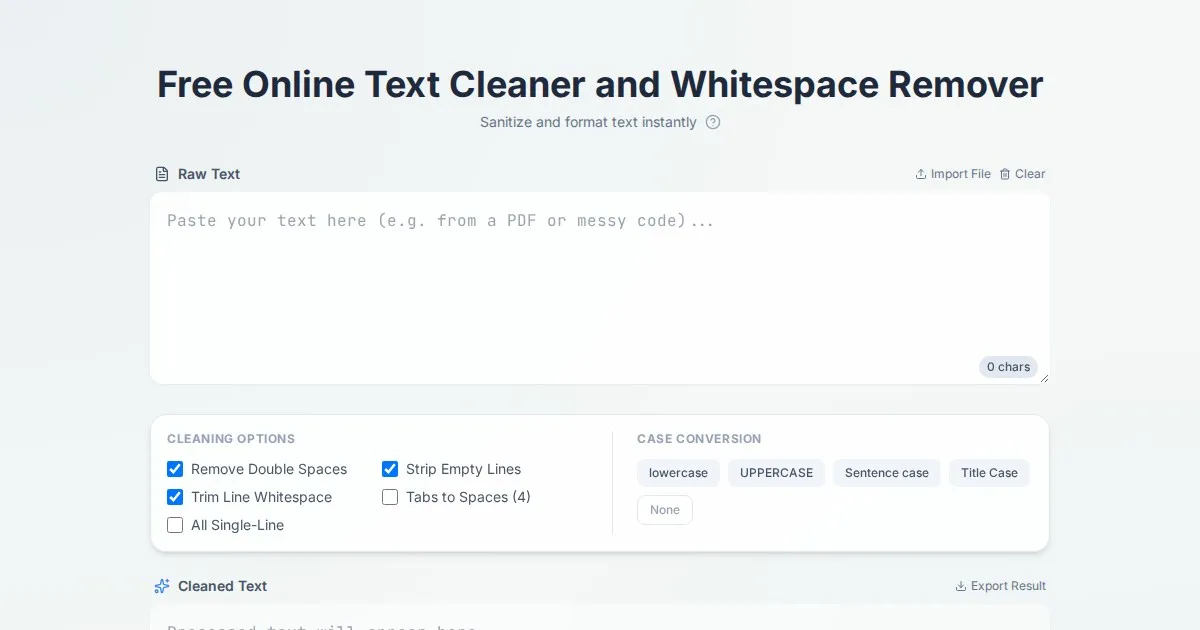
Free Online Text Cleaner and Whitespace Remover
Clean your text instantly. Use our free tool to remove extra spaces, tabs, double line breaks, and leading/trailing whitespace from your documents online.

Free UTM Campaign URL Builder & Tracker Generator
Use this free online UTM link builder to create tracking URLs for social media campaigns. Easily append UTM parameters to track traffic in Google Analytics.
Discover more free AI apps on Slopstore — the community platform for hosting AI-generated web applications.