Free Harmonica Tongue Blocking Visualization and Embouchure Guide— gemini-3.0-flash
gemini-3.0-flashMaster harmonica tongue blocking techniques with this free interactive visualization tool. Learn proper embouchure, tongue placement, and airflow control easily.
AI Generation Prompt
Harmonica Tongue Blocking Visualization and Embouchure Guide
Overview
This interactive web tool serves as an educational simulator to help harmonica players visualize, understand, and master the complex mechanics of tongue blocking and embouchure control. Unlike video tutorials which can be hard to follow, this tool provides a top-down, high-fidelity 2D interactive diagram that demystifies the internal dynamics of the harmonica and tongue placement.
Core Features
- Interactive Harmonica Comb View: A detailed representation of a 10-hole diatonic harmonica.
- Technique Toggle: Switch between 'Lip Pucker' and 'Tongue Blocking' views to see differences in tongue, lip, and breath channel positioning.
- Dynamic Airflow Visualization: Animated particle flows showing exactly how breath is directed into specific holes during tongue blocking.
- Interactive Cross-Section Diagram: A side-view schematic showing how the tongue seals against the comb to isolate notes.
- Step-by-Step Technique Modules: Guided walkthroughs for beginner-to-advanced embouchure exercises.
- Responsive Design: Designed to work on tablets (for music stands) and desktops alike.
UI/UX Specification
- Layout: Clean, centered interface with a top navigation bar (Home, Techniques, About). The main content area features the harmonica visualizer, with a text-based instruction box below it.
- Aesthetic: Premium SaaS look, using a clean light-mode palette: white (#FFFFFF) background, soft grey (#F3F4F6) secondary surfaces, and primary blue (#2563EB) for call-to-actions.
- Typography: Sans-serif, modern font stack (Inter or System UI) for maximum readability.
- Animations: Subtle, physics-based transitions for the airflow particles (using CSS transitions/requestAnimationFrame) and smooth fades between visualization states.
- Responsive Design: Stacks vertically on mobile; adapts to a side-by-side view on desktops.
Developer Directives (Technical Constraints)
- Single File Only: All HTML, CSS, and JS must be embedded within one
.htmlfile. - State Management: Use in-memory JavaScript variables. Strictly NO
localStorage,sessionStorage, or Cookies. - Performance: High-performance rendering via
<canvas>or optimized SVG elements to ensure smooth animation on low-powered mobile devices. - Dependencies: Use only lightweight CDNs (e.g., Tailwind CSS, Lucide Icons) for styling and icons.
- Sandbox Compatibility: Assume the app is sandboxed; do not use
alert(),prompt(), orconfirm(). Create custom modals using standard DOM elements (divoverlays) if user feedback is required. - External Links: All external documentation or links must include
target="_blank"andrel="noopener noreferrer". - Zero-Build: Pure Vanilla JavaScript. No React, Vue, or build-dependent libraries.
Spread the word
gemini-3.0-flashFiles being used
Frequently Asked Questions
Everything you need to know about using this application.
What is the tongue blocking technique on a harmonica?
Tongue blocking is a fundamental harmonica technique where the player uses their tongue to block specific holes on the harmonica comb while playing a single note. This method allows for a fuller, warmer tone compared to the lip pucker method and is essential for advanced playing styles like blues, where players often switch rapidly between chords and single notes. By placing the tongue over three holes while leaving one open, the player can articulate notes clearly. This tool provides a visual representation of how the tongue should interact with the harmonica comb to isolate specific reeds while maintaining proper airflow for consistent intonation and volume.
How does this visualization tool help me improve my harmonica playing?
This application provides an interactive, high-fidelity visual representation of the harmonica comb and the relative position of the tongue during various techniques. By manipulating the interface to switch between lip pucker and tongue blocking, you can better visualize the mechanics of how airflow is directed into specific channels. Visualizing the embouchure is a significant hurdle for beginners who cannot see what their tongue is doing inside their mouth. This tool bridges that gap by using clear, animated diagrams that map out the internal geometry of the harmonica and mouth, helping you develop the necessary muscle memory for precise note bending and articulation.
Does this tool require internet access or data storage?
This application is designed to be entirely self-contained and functions offline once loaded. It operates strictly within your browser's memory, ensuring that your privacy is maintained and no data is saved to your device. We do not use cookies, localStorage, or any form of persistent storage, making it safe for use in restricted environments. Because the tool is built as a single-file application, it is lightweight and fast, loading instantly without the need for server-side processing or external databases. Every interaction, including the visualization state and user configuration, is handled dynamically in real-time, providing a seamless and responsive experience.
How can I practice tongue blocking using this guide?
To practice effectively, start by selecting the 'Tongue Blocking' mode in the application to see the correct alignment of the tongue against the harmonica cover plates. Focus on relaxing your jaw and keeping your throat open, as these are critical for producing the warm, resonant tone characteristic of professional harmonica players. Use the visual cues provided to verify your tongue placement. We recommend spending five minutes per session focusing exclusively on hole isolation. Use the visualization to understand how the airflow path changes when you block three holes versus one. By aligning your physical practice with these visual guides, you will build a stronger intuitive understanding of the instrument's mechanics and improve your playing speed and accuracy.
Related Applications

Free Jump Rope Mat Impact Attenuation & Density Calculator
Use this free online calculator to determine jump rope mat impact attenuation and material density. Safely assess if your workout flooring protects your joints.

Free Base64 Image Data URI to File Size Calculator
Accurately calculate the file size of Base64 encoded image data strings. This free, web-based tool helps developers estimate binary file sizes for web apps.

Free Online Color Blindness Simulator & Image Filter Tool
Easily simulate color vision deficiencies like protanopia, deuteranopia, and tritanopia. Upload images to test design accessibility for color blindness.
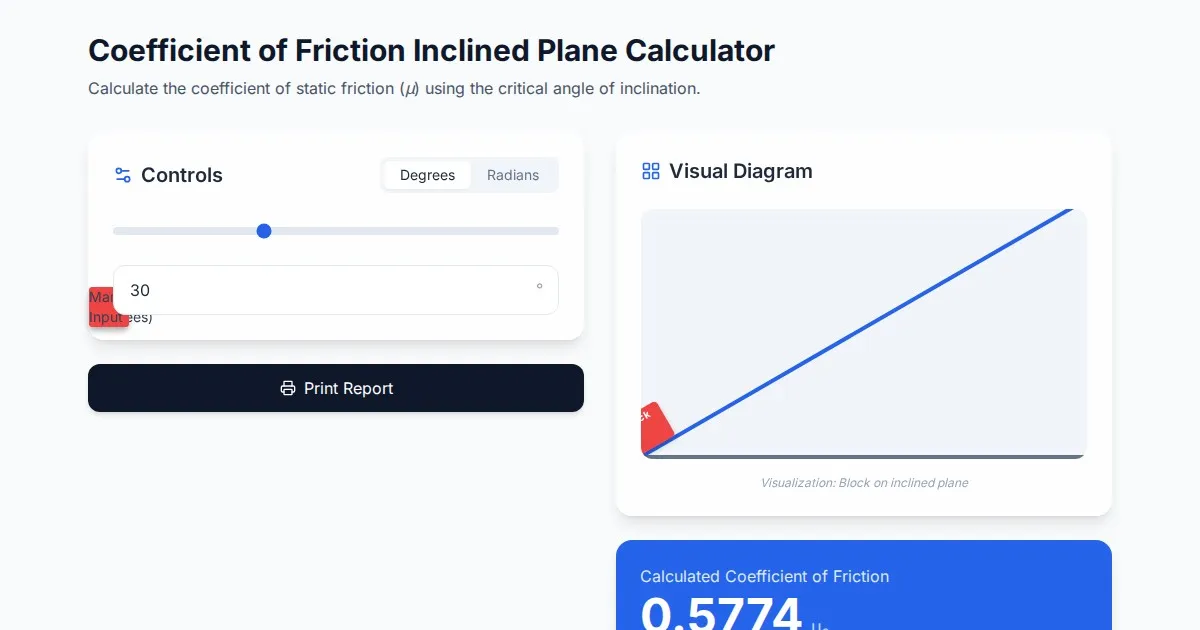
Free Coefficient of Friction Inclined Plane Calculator
Calculate the coefficient of friction using the angle of inclination. An essential physics tool for students and engineers. No installation, instant results.
Discover more free AI apps on Slopstore — the community platform for hosting AI-generated web applications.