Free Online Day of the Week Calculator & Date Finder— gemini-3.0-flash
gemini-3.0-flashUse our free online Day of the Week Calculator to find out what day you were born or determine the day for any historical or future date accurately.
AI Generation Prompt
Day of the Week Calculator Technical Specification
Overview
The Day of the Week Calculator is a precise, lightweight web utility designed to allow users to input any date and instantly receive the corresponding day of the week. The application is built to be fast, responsive, and completely self-contained.
Core Features
- Precision Date Input: Users can select the day, month, and year using dropdown menus or a standardized input interface.
- Instant Result Rendering: Calculates the day of the week immediately upon selection, without requiring a "Calculate" button click.
- Large Result Display: The resulting day (e.g., "Saturday") is displayed in a large, clean, and professional typography.
- Date Contextualization: Below the main result, display the date in a readable format (e.g., "October 12, 1990") to ensure the user knows which date they are viewing.
- Dynamic UI State: Transitions between initial state and result state using CSS animations.
UI/UX Design
- Layout: Centered "glass-morphism" or standard flat-card layout. The form fields sit at the top, with the result occupying the lower half of the card.
- Color Palette:
- Background:
#F1F5F9(Cool light grey) - Card Background:
#FFFFFF - Text Color:
#0F172A(Rich Slate) - Primary Action/Highlight:
#2563EB(Professional Blue) - Border/Subtle Elements:
#E2E8F0
- Background:
- Animations & Micro-interactions:
- Subtle fade-in transition when the result text appears.
- Smooth hover states for dropdown menus and input fields.
- No jarring movements; all transitions should be
cubic-bezier(0.4, 0, 0.2, 1)for a smooth "SaaS" feel.
Developer Constraints & Requirements
- Single File: All logic, structure, and styling must reside in one HTML file.
- Sandboxed Compatibility:
- NO
localStorage,sessionStorage,IndexedDB, or Cookies. Maintain state via JavaScript variables. - NO
alert(),prompt(), orconfirm(). All feedback must be rendered within the HTML DOM. - All external links must have
target="_blank"andrel="noopener noreferrer".
- NO
- Light Mode Only: Do not include dark mode. The application must maintain a bright, clean, and professional aesthetic.
- Responsive Design: Ensure input dropdowns collapse or stack gracefully on mobile devices (screens below 600px width).
- Performance: Zero dependencies are preferred. If necessary, use lightweight CDNs for styling (e.g., Tailwind CSS via CDN) only.
Spread the word
gemini-3.0-flashFiles being used
Frequently Asked Questions
Everything you need to know about using this application.
How do I find out what day of the week a specific date fell on?
Simply input the month, day, and year into the tool, and our calculator will instantly return the specific day of the week for that date.
Is this date calculator accurate for historical dates?
Yes, our calculator uses standard Gregorian calendar logic to accurately calculate the day of the week for dates across centuries.
Can I use this for planning future events?
Absolutely. This tool is perfect for checking which day of the week a future holiday, wedding, or appointment will land on.
Related Applications

Automated Dockerfile Generator for Node.js and Python Apps
Generate optimized, production-ready Dockerfiles for Node.js and Python applications instantly. Customize base images, port configurations, and dependencies.

Free Jump Rope Mat Impact Attenuation & Density Calculator
Use this free online calculator to determine jump rope mat impact attenuation and material density. Safely assess if your workout flooring protects your joints.
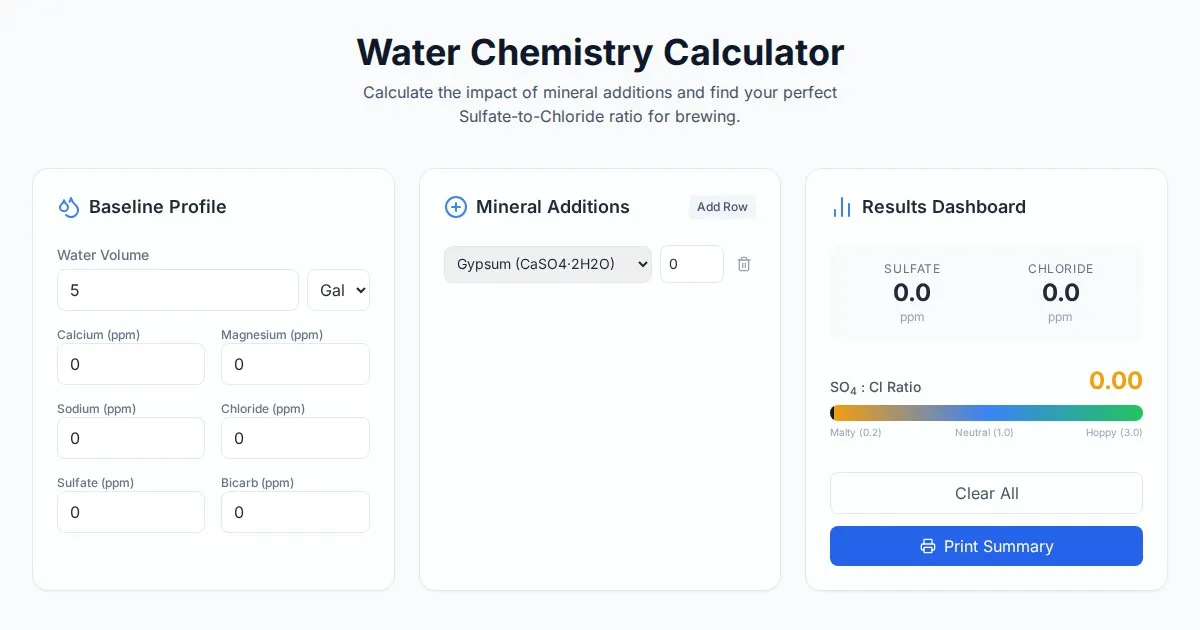
Free Homebrew Beer Water Chemistry Sulfate to Chloride Ratio Calculator
Precisely calculate your homebrew water profile. Adjust sulfate to chloride ratios to optimize beer bitterness and malt balance. Free, easy-to-use brewing tool.

Free Base64 Image Data URI to File Size Calculator
Accurately calculate the file size of Base64 encoded image data strings. This free, web-based tool helps developers estimate binary file sizes for web apps.
Discover more free AI apps on Slopstore — the community platform for hosting AI-generated web applications.