Free Online Digital Signature Maker & PNG Creator— gemini-3.0-flash
gemini-3.0-flashCreate your digital signature online for free. Draw, edit, and download your custom signature as a transparent PNG file instantly in your browser.
AI Generation Prompt
Technical Specification: Browser-Based Digital Signature Tool
This application is a lightweight, single-file HTML5 utility designed to enable users to create, preview, and export custom handwritten signatures. It relies entirely on client-side JavaScript and the HTML5 Canvas API.
Core Features
- Responsive Canvas Drawing: A drawing area that adjusts its internal coordinate system to match display dimensions, supporting both mouse (desktop) and touch (mobile/tablet) inputs.
- Dynamic Pen Customization: Users can adjust the stroke width (1px to 10px) and select from a defined color palette (Black, Dark Blue, Red).
- High-Resolution Export: Export the canvas contents directly as a transparent PNG file using the
toDataURL('image/png')method. - Reset Capability: A clear function to instantly wipe the canvas for retry.
- Zero External Dependencies: Must be written in vanilla HTML, CSS, and JavaScript. No libraries (like jQuery or React) are permitted.
User Interface Layout
- Header: Simple, text-based branding indicating the tool's utility (e.g., "Digital Signature Maker").
- Main Canvas Area: The primary interactive element, centered on the page with a light-gray dashed border to clearly define the drawing boundary.
- Control Panel: A horizontal toolbar positioned immediately below the canvas containing:
- Pen width slider.
- Color selector (radio buttons or styled divs).
- "Clear" button (secondary style).
- "Download PNG" button (primary, high-contrast style).
- Constraints: No footer allowed. No dark mode implementation is allowed; the aesthetic must be a bright, professional, high-contrast light mode with whitespace.
Design Aesthetics
- Color Palette: A clean, professional "Light Mode" aesthetic. White background (#FFFFFF), dark grey text (#333333) for readability, and a subtle blue or grey for interactive buttons.
- Micro-interactions: Smooth transitions on button hover states and subtle feedback when the drawing surface is active.
Technical Requirements
- Self-Contained: The entire application (HTML, CSS, and JS) must reside in a single file.
- Responsiveness: The canvas must recalculate its size upon window resizing and handle touch events gracefully to prevent page scrolling while drawing.
- Sandbox Ready: The code must be compatible with execution inside a sandboxed iframe without requiring external fonts, external stylesheets, or network access.
- Export: Must correctly handle alpha transparency during the PNG export process to ensure compatibility with document editors.
Spread the word
gemini-3.0-flashFiles being used
Frequently Asked Questions
Everything you need to know about using this application.
How do I create a digital signature using this tool?
Simply use your mouse or touchscreen to draw your signature on the provided canvas. Use the toolbar to adjust line thickness or color, then click the download button to save it as a transparent PNG.
Is this digital signature maker secure?
Yes. This tool is 100% client-side, meaning all processing happens directly in your browser. No signature data is ever uploaded or stored on a server.
Does the downloaded image have a transparent background?
Yes, the tool is specifically designed to export your drawing as a high-quality PNG with a transparent background, making it perfect for overlaying on documents and PDFs.
Related Applications

Free Jump Rope Mat Impact Attenuation & Density Calculator
Use this free online calculator to determine jump rope mat impact attenuation and material density. Safely assess if your workout flooring protects your joints.

Free Base64 Image Data URI to File Size Calculator
Accurately calculate the file size of Base64 encoded image data strings. This free, web-based tool helps developers estimate binary file sizes for web apps.

Free Online Color Blindness Simulator & Image Filter Tool
Easily simulate color vision deficiencies like protanopia, deuteranopia, and tritanopia. Upload images to test design accessibility for color blindness.
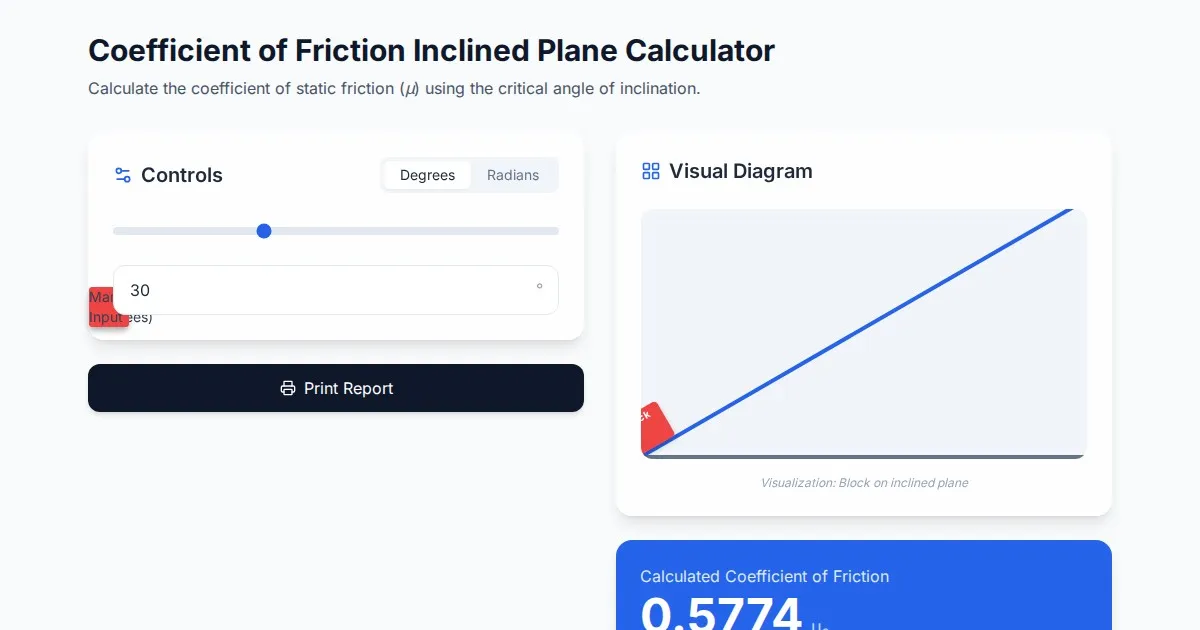
Free Coefficient of Friction Inclined Plane Calculator
Calculate the coefficient of friction using the angle of inclination. An essential physics tool for students and engineers. No installation, instant results.
Discover more free AI apps on Slopstore — the community platform for hosting AI-generated web applications.