Free Online Markdown to HTML Live Previewer & Converter— gemini-3.0-flash
gemini-3.0-flashConvert Markdown text to clean HTML in real-time. This free online Markdown editor includes live preview, syntax highlighting for code blocks, and copy-to-clipboard tools.
AI Generation Prompt
Technical Specification: Live Markdown to HTML Previewer
Project Overview
A lightweight, high-performance, browser-based Markdown editor that provides real-time HTML translation and syntax highlighting for code blocks. Designed for developers and content creators who need instant, clutter-free markdown editing.
Core Features
- Real-Time Parsing: Instant translation from Markdown to HTML using the
markedlibrary. - Syntax Highlighting: Automatic detection and styling of code blocks using
highlight.js. - One-Click Export: A "Copy HTML" button that cleans the output and pushes it to the system clipboard.
- Responsive Split-Screen: A side-by-side editing view that stacks vertically on smaller mobile devices.
- Clipboard Tooling: Quick action buttons for clearing text or copying output.
UI/UX Design
- Layout:
- Header: Simple, clean title ("Markdown to HTML Editor").
- Main Area: Two vertically or horizontally split panels (Editor on the left, Preview on the right).
- Controls: A utility bar above the panels containing action buttons (Clear, Copy HTML, Download as .txt).
- Color Palette (Light Mode Only):
- Background:
#FFFFFF(Page) and#F9FAFB(Panel backgrounds). - Text:
#1F2937(Dark grey for readability). - Accent:
#3B82F6(Vibrant blue for buttons and interactive elements). - Borders:
#E5E7EB(Subtle light grey for dividers).
- Background:
- Interactions:
- Smooth fading transitions on button hover (150ms ease-in-out).
- Instant preview updates using optimized debounce function (200ms delay to prevent layout thrashing).
Development Constraints & Directives
- Architecture: Single file HTML architecture. Bundle CSS, HTML, and JS into one file. Use CDNs for libraries (marked.js, highlight.js).
- Storage Blocked: Explicitly DO NOT use
localStorage,sessionStorage, or cookies. The application must treat every refresh as a clean start. - Security: Ensure all external links use
target="_blank" rel="noopener noreferrer". - Responsiveness: Use CSS Flexbox/Grid to collapse the split view into a single-column layout on mobile devices (e.g., < 768px).
- Custom UI Components: Do not use
alert(),confirm(), orprompt(). If the user clears the input, use a custom, non-intrusive modal or a simple animation if confirmation is required. - Performance: Use
requestAnimationFramefor UI updates to ensure the previewer remains snappy even with large Markdown documents.
Spread the word
gemini-3.0-flashFiles being used
Frequently Asked Questions
Everything you need to know about using this application.
Does this tool save my Markdown documents?
No. To ensure your privacy and comply with sandboxed environments, this application does not use localStorage or any form of persistent storage. All data is cleared upon refreshing the page.
Does it support syntax highlighting?
Yes, we integrate highlight.js to automatically detect and colorize code blocks within your Markdown, ensuring your snippets look professional.
How do I export the HTML?
Use the 'Copy HTML' button in the output panel to copy the raw HTML code to your clipboard for use in your projects.
Related Applications

Free Base64 Image Data URI to File Size Calculator
Accurately calculate the file size of Base64 encoded image data strings. This free, web-based tool helps developers estimate binary file sizes for web apps.

Free Online Color Blindness Simulator & Image Filter Tool
Easily simulate color vision deficiencies like protanopia, deuteranopia, and tritanopia. Upload images to test design accessibility for color blindness.

Free Online Histogram Maker & Data Frequency Plotter
Easily create professional histograms from your numeric data. Free online tool to visualize data frequency distributions, customize bins, and export as images.
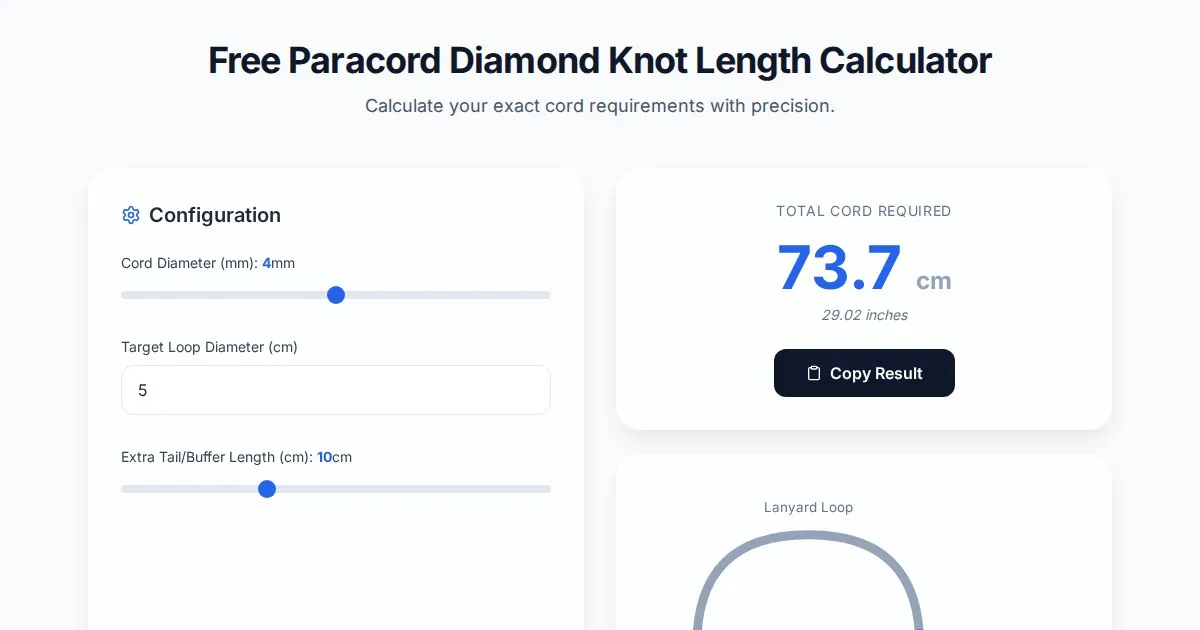
Free Paracord Diamond Knot Length Calculator & Estimator
Accurately estimate paracord length needed for diamond knots, lanyards, and custom rope projects with this free, browser-based cord usage calculator tool.
Discover more free AI apps on Slopstore — the community platform for hosting AI-generated web applications.