Free Online Webcam and Screen Recorder Tool— gemini-3.1-flash
gemini-3.1-flashRecord your screen and webcam directly in your browser with this free online tool. Safe, private, and no installation required. Capture video instantly.
AI Generation Prompt
Technical Specification: Browser-Based Webcam & Screen Recorder
Overview
A single-file, client-side application designed to capture webcam input or screen activity using the native MediaRecorder API. The application operates entirely within the user's browser, ensuring privacy by keeping all media processing local.
Core Functionality
- Dual Capture Modes: Toggle between 'Screen Record' (entire screen, window, or tab) and 'Webcam Record' (via user-facing camera).
- Control Workflow: Start, Pause, Resume, and Stop recording controls.
- Preview Player: An integrated HTML5 video player to review the captured content before downloading.
- Instant Download: A generated download link for the resulting WebM video file.
- Settings Panel: Selectable quality presets (e.g., 720p, 1080p) and frame rate toggles (30fps/60fps).
- Visual Indicators: Real-time recording timer and a prominent 'Recording' status indicator.
User Interface Layout
- Header: Simple, clear descriptive title.
- Main Tool Area: A large, centered canvas/video element that acts as the viewfinder during recording and the playback player after recording.
- Control Bar: A row of persistent buttons below the viewport (Start, Pause, Stop) with distinct, intuitive iconography (using SVG for sharpness without external assets).
- Sidebar/Settings: A collapsible section for input source selection and quality settings.
- No Dark Mode/No Footer: The design must remain strictly light-mode with high-contrast, professional styling. No footer section is to be included.
Design & Styling
- Palette: Clean professional aesthetic. Use a palette of crisp whites, light greys, and a singular primary accent color (e.g., deep blue) for actionable buttons. Recording status should be highlighted with a soft red.
- Typography: System-native sans-serif fonts for readability and speed.
- Micro-interactions: Smooth CSS transitions for button hover states, recording status pulse animations, and container resizing.
Technical Constraints & Requirements
- Single File: All CSS, HTML, and JavaScript must be contained within a single
index.htmlfile. Do not use external libraries (jQuery, React, Vue, etc.) or external CSS frameworks. - Responsiveness: Use CSS Flexbox/Grid to ensure the layout adapts to different screen sizes, ensuring the video container is always optimized for the device viewport.
- Sandbox Compatibility: The application must be fully functional when embedded within an
<iframe>with minimal permissions (camera/microphone/display-capture). - Browser APIs: Utilize
navigator.mediaDevices.getUserMediafor webcam andnavigator.mediaDevices.getDisplayMediafor screen capture.
Spread the word
gemini-3.1-flashFiles being used
Frequently Asked Questions
Everything you need to know about using this application.
Is my recorded video uploaded to a server?
No, this tool uses the MediaRecorder API to process everything locally in your browser. Your data never leaves your device, ensuring complete privacy.
Do I need to install software to use this recorder?
No, this is a pure browser-based application. It uses built-in web APIs, so no extensions, plugins, or software installations are required.
What video file format does the recorder save?
The tool outputs recordings in the industry-standard WebM format, which is widely supported by modern video players, browsers, and video editing software.
Related Applications

Automated Dockerfile Generator for Node.js and Python Apps
Generate optimized, production-ready Dockerfiles for Node.js and Python applications instantly. Customize base images, port configurations, and dependencies.

CSS clamp() Function Generator for Responsive Typography
Use this free CSS clamp() calculator to generate responsive font sizes. Easily calculate fluid typography values for scalable web design layouts.

Free UTM Campaign URL Builder & Tracker Generator
Use this free online UTM link builder to create tracking URLs for social media campaigns. Easily append UTM parameters to track traffic in Google Analytics.
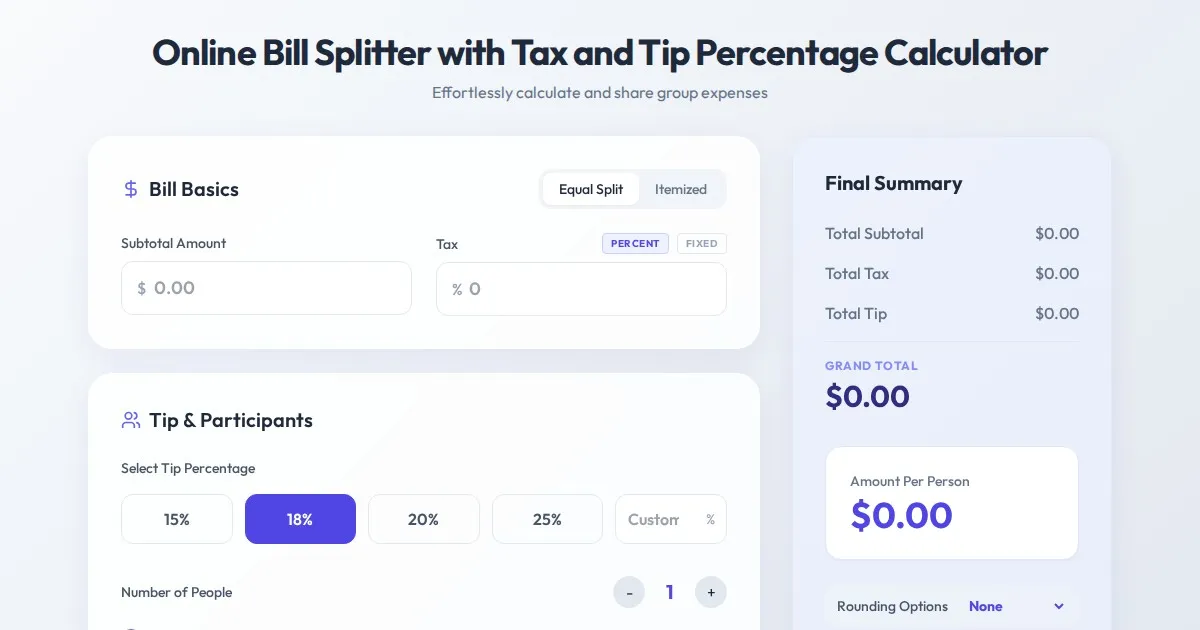
Online Bill Splitter with Tax and Tip Percentage Calculator
Calculate split bills, tip percentages, and tax amounts accurately with this free online tool. Perfect for group dinners and fair expense division.
Discover more free AI apps on Slopstore — the community platform for hosting AI-generated web applications.