Guided Deep Breathing Exercise Timer with Ambient Sounds— models/gemini-3.1-flash-lite-preview
models/gemini-3.1-flash-lite-previewPractice mindfulness with this guided deep breathing exercise timer. Featuring a rhythmic pulsating visual guide and calming ambient background sounds.
AI Generation Prompt
Application Overview
The Guided Deep Breathing Exercise Timer is a web-based mindfulness tool designed to reduce stress and improve focus through visual and auditory breath regulation. The interface is intentionally minimalist to prevent cognitive overload.
Visual Design & Layout
- Color Palette: A soft, monochromatic theme utilizing 'Muted Sage' (#8A9A5B) for accents, 'Soft Slate' (#708090) for text, and a 'Warm Cream' (#F5F5DC) background to reduce eye strain.
- Central Element: A perfectly centered, soft-edged circle that uses a CSS transition for smooth, fluid expansion and contraction.
- Typography: Sans-serif, lightweight fonts (Inter or Open Sans) to maintain a clean, airy feel.
Interactive Features
- Pulsating Guide: An animated circle that pulses in a configurable rhythm (e.g., 4-7-8 pattern) to synchronize breath with movement.
- Ambient Soundscape Controls: A playback controller offering high-quality loops of 'Rainfall', 'Forest Wind', or 'Distant Waves'.
- Session Customization: A control panel to set session duration (5, 10, or 20 minutes) and specific timing for inhales, holds, and exhales.
- Progress Tracker: A subtle counter at the bottom showing how many cycles have been completed.
Animations & Transitions
- Fluid Motion: The circle uses ease-in-out timing functions to ensure the breathing movement feels natural, avoiding jerky transitions.
- Ambient Fade: Audio loops transition with a 3-second crossfade to prevent abrupt audio stops.
- Interface Minimalism: UI controls fade out when the breathing exercise begins, leaving only the breathing circle on the screen until the user moves the mouse or touches the screen.
Spread the word
models/gemini-3.1-flash-lite-previewFiles being used
Frequently Asked Questions
Everything you need to know about using this application.
How do I use the breathing pacer?
Simply follow the expansion and contraction of the central circle on your screen: inhale as it grows, hold at the peak, and exhale as it shrinks.
Can I customize the breathing duration?
Yes, you can adjust the length of your inhale, exhale, and hold intervals within the settings menu to match your comfort level.
Is the ambient noise optional?
Yes, the audio features a toggle switch allowing you to enable or disable relaxing ambient background sounds independently of the visual timer.
Related Applications
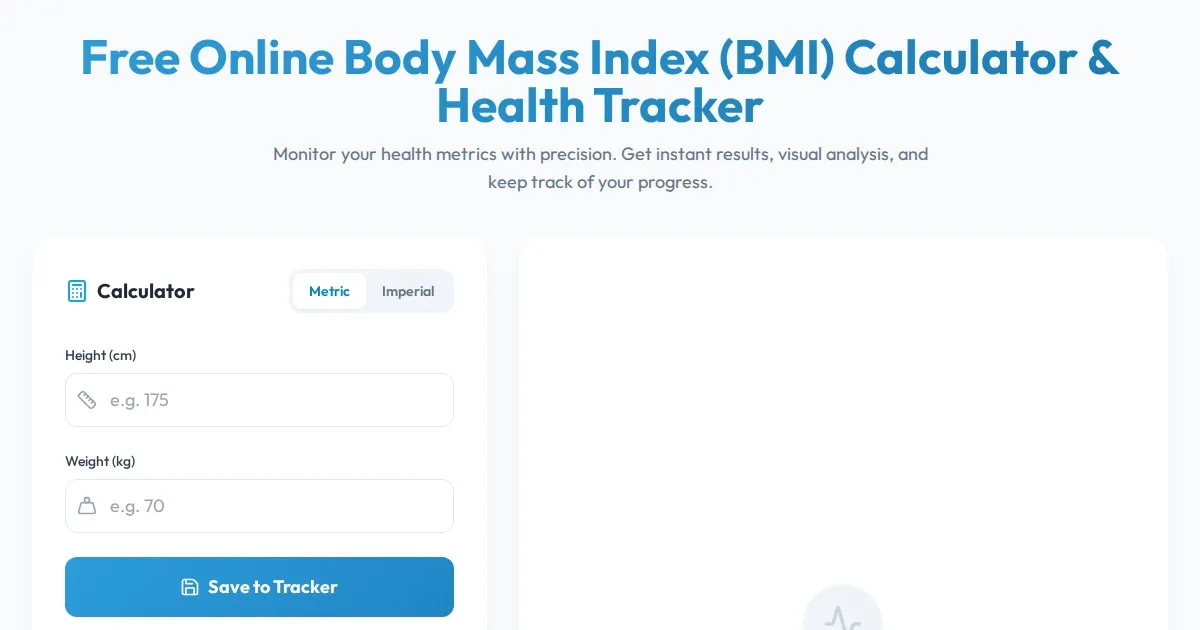
Free Online Body Mass Index (BMI) Calculator & Health Tracker
Calculate your Body Mass Index (BMI) accurately with this free online tool. Get instant health category results and track your session data without any sign-ups.
Free Box Breathing Pacer & Visual Breathing Exercise Tool
Practice 4-4-4-4 box breathing with a free, browser-based visual pacer tool. Reduce stress and improve focus with guided, meditative breathing exercises online.
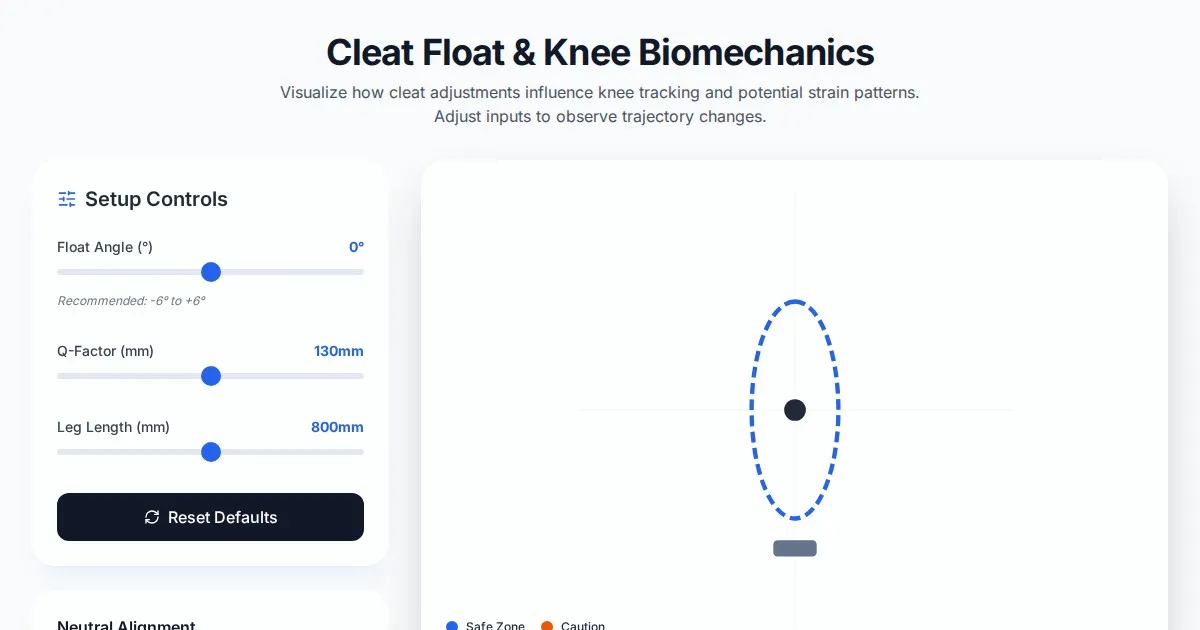
Free Cycling Cleat Float Angle & Knee Strain Visualizer
Optimize your triathlon bike fit with our free cycling cleat float angle visualizer. Easily adjust pedal float parameters to help reduce knee strain and discomfort.
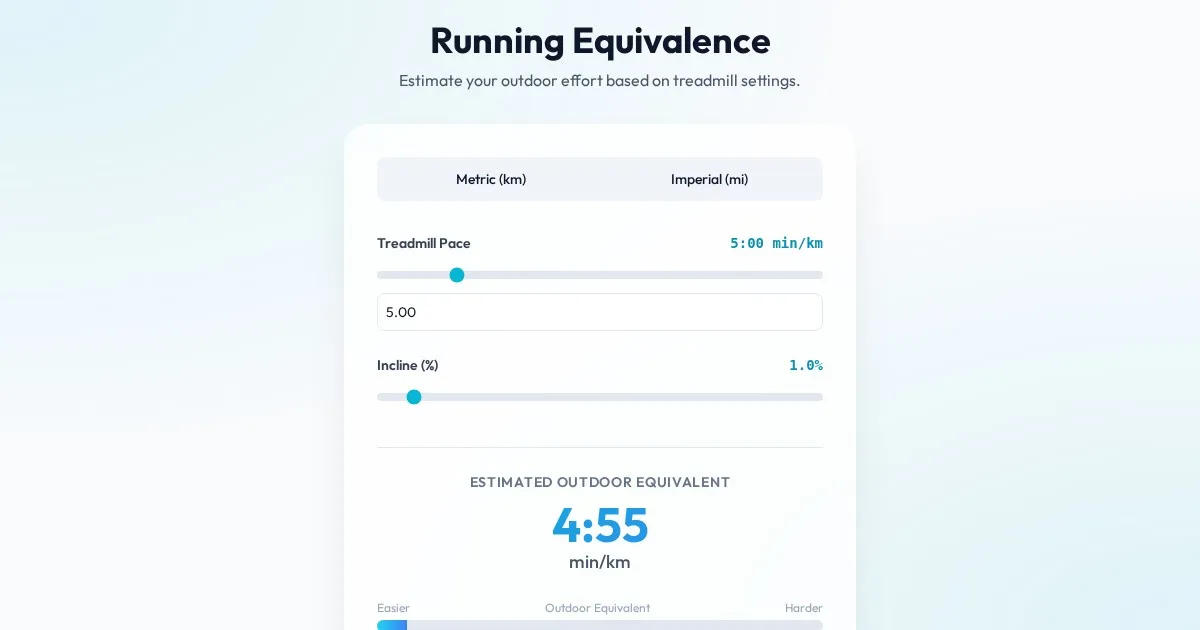
Free Treadmill Pace to Outdoor Running Speed Equivalent Calculator
Easily convert your treadmill pace and incline settings to an outdoor running equivalent. Accurate calculations for better training and performance tracking.
Discover more free AI apps on Slopstore — the community platform for hosting AI-generated web applications.