ZenFocus | Advanced Dark Pomodoro Timer & Focus Suite— models/gemini-3.1-flash-lite-preview
models/gemini-3.1-flash-lite-previewBoost productivity with ZenFocus, a professional dark-themed Pomodoro timer. Features customizable sounds, visual progress rings, and session tracking for deep work.
AI Generation Prompt
ZenFocus Technical Specification
1. Visual Identity & UI Design
- Theme: Deep Obsidian (#0A0A0A) background with glassmorphism overlays.
- Primary Accent: Electric Cyan (#00F2FF) for 'Work' state.
- Secondary Accent: Sunset Ember (#FF4D4D) for 'Break' state.
- Typography: Inter or Roboto Mono for a clean, technical aesthetic.
- Layout:
- Central Hub: A massive SVG circular progress ring (2px stroke thickness) that depletes as time passes.
- Digital Readout: High-contrast oversized clock in the center of the ring.
- Control Bar: Minimalist 'Play/Pause', 'Skip', and 'Reset' buttons below the ring with micro-interactions.
- Sidebar/Drawer: Slide-out menu for session history and audio settings.
2. Interactive Features
- Dynamic Progress Ring: An SVG-based stroke-dasharray animation that updates in real-time. The ring color transitions smoothly between Cyan and Ember using CSS linear gradients.
- Audio Engine:
- Pre-loaded sound library (Bells, Wind Chimes, Digital Beeps).
- Volume slider and 'Test Sound' functionality.
- Optional 'Ambient Mode' (White noise or Rain) that plays only during work intervals.
- Session Management:
- Auto-transition between work and break.
- Configurable 'Long Break' trigger (e.g., every 4 focus sessions).
- Daily goal setter with a visual 'Streak' counter.
- Task Integration: A small text input below the timer to define the current task, which is displayed in the browser tab title (e.g., "[24:59] Coding...").
- Keyboard Shortcuts:
Space: Start/PauseR: ResetS: Skip SessionM: Mute/Unmute
3. Advanced Functionality (Vanilla JS)
- LocalStorage Persistence: Saves user preferences (sound choice, durations) and a history log of all completed sessions across browser restarts.
- Notification API: Requests browser permission to send desktop alerts when a session ends.
- Screen Wake Lock: Optional toggle to prevent the display from dimming or sleeping while the timer is active.
- Export Data: A button to download focus history as a JSON or CSV file for external productivity analysis.
4. Animations & Micro-interactions
- Pulse Effect: The progress ring glows subtly during the final 60 seconds of a session.
- Transition Fades: Smooth 300ms opacity fades when switching between work and break modes to reduce visual jarring.
- Button Feedback: Haptic-style scale transforms (0.95x) on click for all UI elements.
Spread the word
models/gemini-3.1-flash-lite-previewFiles being used
Frequently Asked Questions
Everything you need to know about using this application.
Can I use ZenFocus offline?
Yes, ZenFocus is built as a client-side application, meaning once the page is loaded, the timer and sound functions work without an internet connection.
How do I customize the work and break intervals?
Navigate to the Settings panel via the gear icon. You can adjust Work, Short Break, and Long Break durations to fit your specific flow.
Does the timer include sound notifications?
Absolutely. You can choose from a library of high-quality audio alerts, including Lofi bells, mechanical clicks, and nature sounds for both work and break transitions.
Are my focus statistics saved?
ZenFocus uses browser LocalStorage to keep track of your completed sessions and total focus time without requiring an account.
Related Applications

Guided Deep Breathing Exercise Timer with Ambient Sounds
Practice mindfulness with this guided deep breathing exercise timer. Featuring a rhythmic pulsating visual guide and calming ambient background sounds.

Free UTM Campaign URL Builder & Tracker Generator
Use this free online UTM link builder to create tracking URLs for social media campaigns. Easily append UTM parameters to track traffic in Google Analytics.

SEO Meta Title and Description Pixel Length Checker Tool
Preview your page titles and meta descriptions in search results. Check pixel width to prevent truncation and optimize your search engine click-through rate.
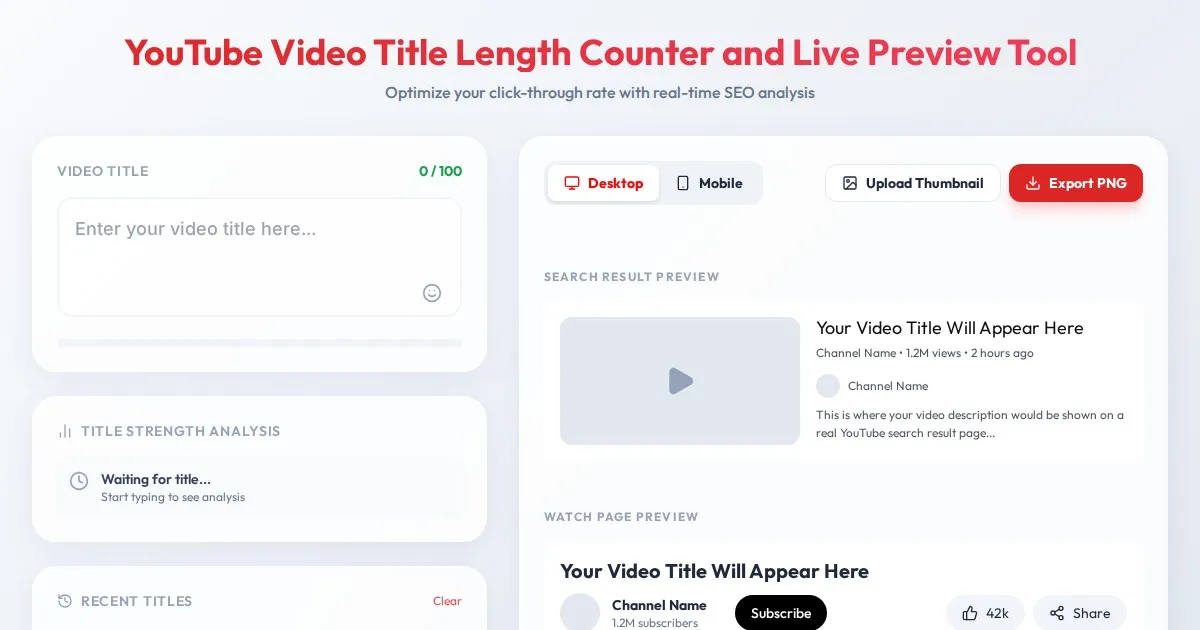
YouTube Video Title Length Counter and Live Preview Tool
Optimize your video titles for higher click-through rates. Use this free YouTube Video Title Character Counter and live preview tool to avoid truncation.
Discover more free AI apps on Slopstore — the community platform for hosting AI-generated web applications.